
Blog

Cyver Core is a Pentest Management platform allowing pentesters to deliver Pentest-as-a-Service. Our blog covers features, industry topics, and updates.

Different ways to generate pentest reports with Cyver Core

Different ways to Generate Pentest Report Content

While pentesting involves scanning, manual research, human insight, and often hours of testing and putting one and two together to find and check vulnerabilities – the end product is the report. Unfortunately, the pentest report is often mostly compiled data, where...

read more...
What Does Fully Automated Pentest Reporting Look Like? Pentest reporting is one of the most time-consuming aspects of pentesting, with most firms taking anywhere from 6-14 hours per pentest report. Today, there are options to automate pentest reporting, with everything from a hands-on approach to save about 60% of time on reporting to a fully automated reporting process where you’ll likely spend just minutes per pentest report. Both options are supported by Cyver Core and both fit different use case scenarios. In this article, we’ll cover what fully automated pentest reporting looks like and how it works. This means you set and forget pentest reporting, so every pentest fully generates itself with little or no hands-on writing and updates. Of course, you’ll be able to step in and edit at any step for as much manual control as you’d like. Set up Your Cyver Core Platform Setting up your Cyver pentest reporting platform means: Onboarding your team Creating your pentest projects Onboarding clients Creating pentest report templates Importing your vulnerability library Adjusting settings for the pentest project If you don’t yet have an account, your customer success manager will help you with all of this during onboarding. You’ll also get full support with building your own custom reports in the platform. Connecting Scanners & Tools Step one of automating pentest reporting is to connect your scanners and tools. Cyver Core offers our own integrated scanner to automatically import files, plus a number of integrations for popular tooling like Nessus and Burp. Once you have this in place, you can automatically import findings after a run and automatically link those results to the right project with assets and customer data included. Cyver Core also merges duplicate findings and shows found instances across different assets. Adding the Vulnerability Descriptions Cyver Core adds vulnerability descriptions during the import process. This means: Matching vulnerability findings to your vulnerability library based on title. This means your vulnerability library content automatically shows up in imported findings Importing data from the tooling such as how the vulnerability was identified, impacted systems, and potential impact Using correlation to prioritize vulnerabilities based on severity and potential impact Assigning severity ratings based on CVSS and CVE data Automatically importing reproduction steps and adding them to the finding ticket Mapping found vulnerabilities to requested compliance norms such as PCI DSS, ISO 2701, etc. This also includes options for benchmarking with pass/fail ratings for compliance norms or your own custom benchmarks Finally, Cyver Core integrates an AI copilot for further automation. This means you can: Fully generate custom content for findings based on the client’s tooling and tech stack Generate specific recommendations for fixes based on best practices and known fixes, with the client’s tech taken into account Generate findings descriptions In short, once you hit import, Cyver Core can fully automate every other part of the process, including generating new content when you don’t have that finding in your library and automatically adding your existing vulnerability library. Automatically Generate Pentest Reports Cyver Core uses template-based reporting for automated pentest report generation. This means you build out a report with sections and tokens as placeholders for content. Once the content is there, those tokens are replaced with data from the pentest results, the client information, and the asset information. Pull from imported vulnerabilities Automatically add client data like assets, Automatically add project data like pentest scope, methodology, etc. Automatically generate charts and graphs with pie charts, bar graphs, and heat maps all available to illustrate findings and over 40 tokens available to display the specific data you want. That can include high-level information like number of findings per severity or per asset or more specific information like findings mapped to a compliance norm Add trend analysis to show time-to-fix, security posture over time, etc. Pull from a library of content and sections to offer customized pentest reports per client Generate custom content such as report summaries and writeups specific to the client’s technology Essentially, one everything is set up, your report basically writes itself. The idea is that you use a mix of prepared or canned content, AI to generate new content, and generation to create charts and graphs, so you get beautiful and highly customized reports every time. Publishing the Report Once the report is ready, it’s up to you what happens next. Have a simple report with very little custom content? Automatically publish it to the client without having to do anything. Or, take time to review the report, add any custom insights you want, and review with your team if you prefer a more hands-on approach. Are you interested in automating your pentest report generation process? Contact Cyver Core for a demo to see the platform and how report generation works.

What Does Fully Automated Pentest Reporting Look Like?

Pentest reporting is one of the most time-consuming aspects of pentesting, with most firms taking anywhere from 6-14 hours per pentest report. Today, there are options to automate pentest reporting, with everything from a hands-on approach to save about 60% of time on...

read more...
Feature Highlight: New Importers at Cyver Core

Feature Highlight: New Importers at Cyver Core

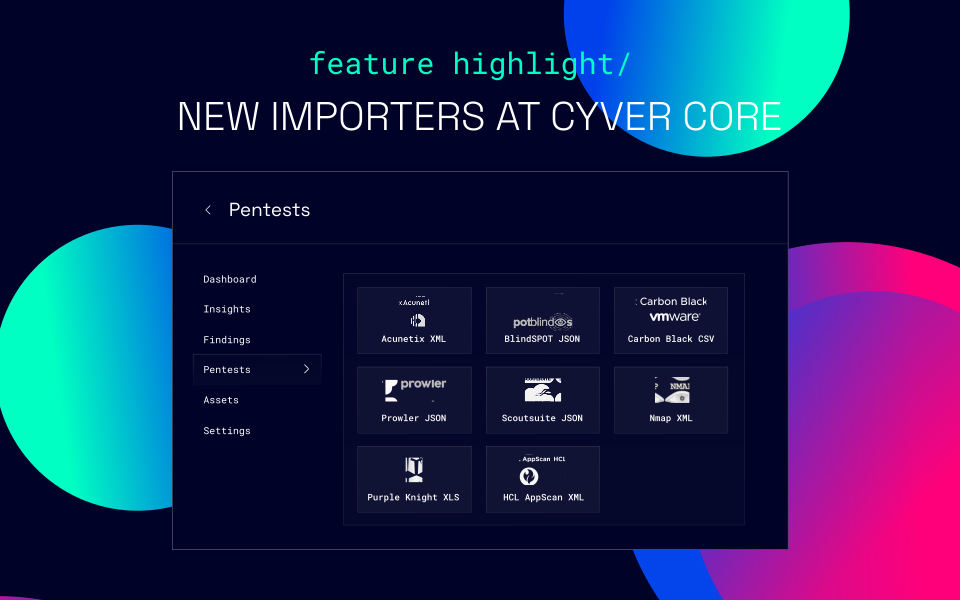
Every pentester relies on their toolkit – whether that’s a big brand like Nessus or Qualys or something a little more under the radar. At Cyver, we want to ensure we offer support for your full toolkit, no matter what you’re using to pentest. That’s why we have a...

read more...
What can You do with Cyver Core's Integrated Scanner Cyver Core is a pentest collaboration and management platform offering pentest as a service delivery, pentest report automation, and a full suite of work management tools. With the Continuous Assessments + Integrated Scanner Add-On, you get added capabilities to deliver scanning to your customers – with everything integrated directly into the platform. That means a seamless service where you run scans and deliver results automatically upload to the platform – with your choice of automatically publishing findings and reports or reviewing them first. Of course, Cyver Core’s API means you can build an integration for any scanner you like. However, our integrated scanner means everything is handled for you and you can deliver scanning, DAST, surface management, and more to your clients at the push of a button. What are Continuous Assessments? Cyver Core’s Continuous Assessments feature is a pentest reporting framework designed around delivering results for ongoing pentests and scans. You set up a pentest or scan in the Cyver Core portal. Then you create instances or “runs”. These runs automatically upload to the same project in the portal, with vulnerabilities per instance, repeat vulnerabilities, and in which run the vulnerability was found. That makes it easier for dev teams to act on findings, to see if findings are fixed, and to trace reoccurrences to specific updates or changes. It's also ideal for delivering repeated pentest or scan results. And, it supports any frequency of scans. For example, you can schedule scans daily, weekly, monthly, or even quarterly. The results will upload to the same place either way. Cyver Core’s Scanner You can choose to integrate your own scanner into Continuous Assessments. However, with the integrated scanner, you get access to an integration, so everything is handled smoothly and automatically. That means you can: Schedule scans and have them run automatically on a specific date Automatically upload findings and map them to your vulnerability library Automatically deliver findings and results to the client In short, with the integrated scanner, you get the option to fully automate scan delivery. That works if you already have your vulnerability library in place and largely just have to import findings and send them to the client. You can also manually edit the findings, use our generative AI to generate findings remediation recommendations, and add your own manual insights to every finding before you submit to the client. It’s also up to you whether you generate a report for each run or simply deliver findings as tickets. Using the reNgine Scanner Cyver Core works with top-rated open source scanners to deliver a selection of scanners. Our most popular is reNgine, which offers: Reconnaissance including subdomain discovery, IP/Open Port identification, Endpoint discovery, fuzzing, Screenshot gathering, Vulnerability scan with Nuclei/WHOIS, WAF Detection YAML-based scan engines Parallel and subscanning OSINT Periodic or timed scheduling Screenshot gallery Automatic recon data updates You can also learn more at reNgine’s official site https://rengine.wiki/ Why Use Cyver Core’s Integrated Scanner? Adding Cyver Core’s integrated scanner into your toolkit means you can seamlessly offer scans, DAST, and attack surface management as part of your services, without adding on real additional work for your firm. Fully integrated into the platform. Push a button and it’s ready to go. That means no maintenance for your team to worry about or keep up with Automate as much as you want, with scheduling, automatic finding generation, and automatic report generation Automatically track findings to runs so you can see reoccurrences, remediation, and time-to-fix right in the portal Go as hands on as you want, with options to fully customize content before delivery Automatically upload findings and add information from your vulnerability library or generate custom content with our AI integration Deliver centralized vulnerability management with everything in the Cyver Core portal Automatically compare and consolidate findings across the same project so clients can get real vulnerability insights Connect API and deliver automatic compliance services such as SOC, PCI DSS, and more. Whether your firm is looking to deliver scans as part of compliance, DAST, attack surface management, or to add scanning to your manual pentest services, Cyver’s Integrated Scanner offers a solution. If you’d like to learn more, contact us for a demo or reach out to your customer success manager to learn more.

What can You do with Cyver Core’s Integrated Scanner?

Cyver Core is a pentest collaboration and management platform offering pentest as a service delivery, pentest report automation, and a full suite of work management tools. With the Continuous Assessments + Integrated Scanner Add-On, you get added capabilities to...

read more...
Leveraging GenAI for Pentest Reporting with Cyver Core 

Leveraging GenAI for Pentest Reporting with Cyver Core 

Pentest reporting is still one of the most time-consuming aspects of pentesting. For many pentesters, that means spending 20-60% of the total time to pentest on writing a report. Often, that means having a skilled technical employee engage in routine and relatively...

read more...
Features to Look for in a Pentest Reporting Platform

Features to Look for in a Pentest Reporting Platform

For pentesters, the report is often an unfortunate part of pentesting. It’s part of your job, but it’s often a time-consuming and painful job where you copy-paste data from libraries, tools, and even the Internet to build out a final report for the client. The end...

read more...