

CTEM
Continuous Threat Exposure Management for Offensive Security Teams
Discover your attack surface, scan applications, and validate exposures with ASM and DAST powered by Escape, connected to Cyver’s pentesting and remediation workflows.







Trusted By World Leading Cybersecurity Companies. 6.000+ Organizations Protected.


Continuous discovery, testing, and
validation to reduce security exposure 
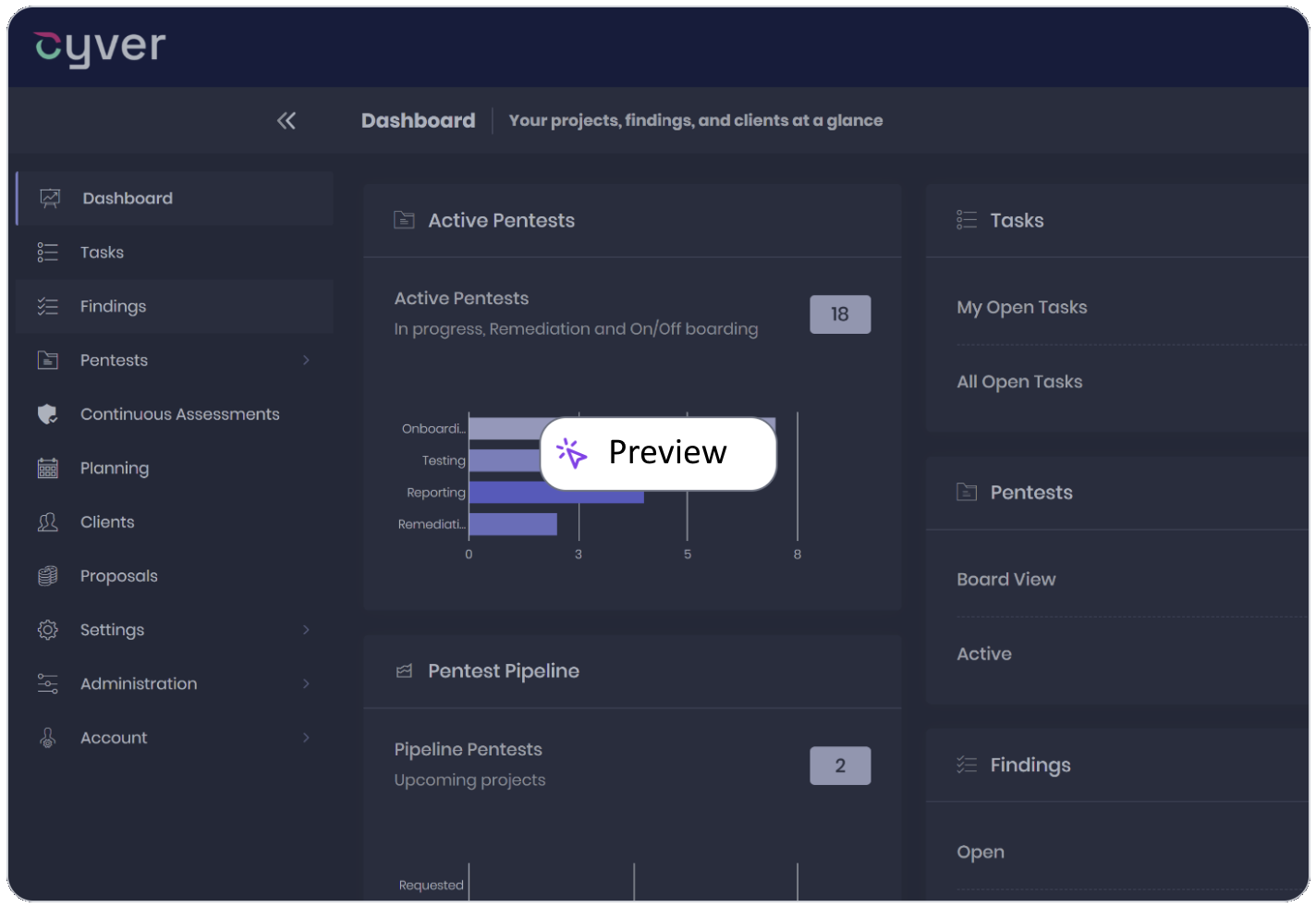

Discover assets: Identify exposed applications, APIs, and infrastructure.

Test continuously: Find application vulnerabilities with automated DAST.

Validate risk: Combine scanner findings with pentester evidence.

Coordinate fixes: Connect remediation, retesting, and reporting.

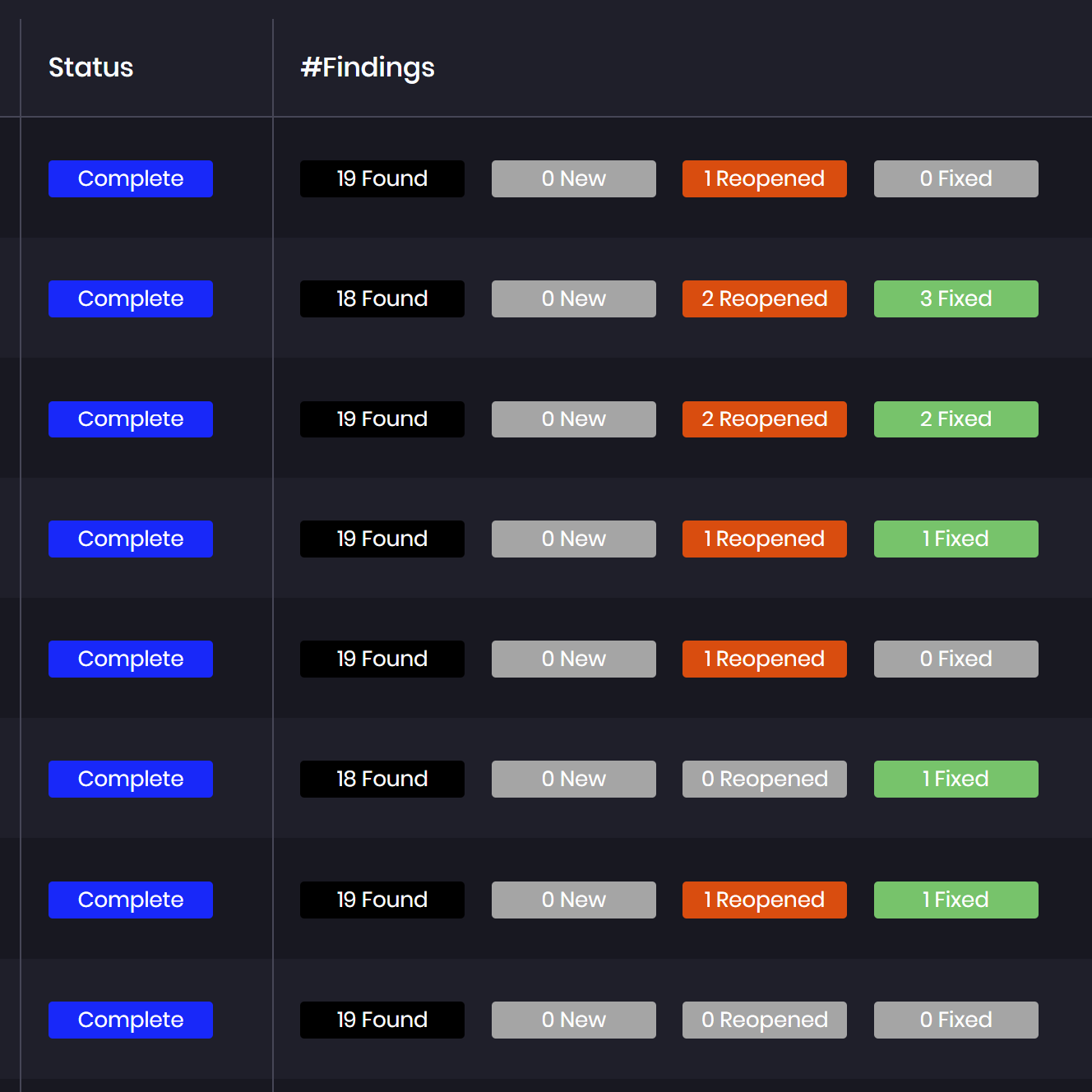
Security Teams Struggle to Understand Real Exposure 
Asset inventories, scanner results, and pentest findings often sit in separate systems. Teams need a connected view of what is exposed, what requires validation, and what has been fixed.
The challenge is understanding:
- Which assets and applications are exposed
- Which vulnerabilities are actually exploitable
- How exposures combine into meaningful attack paths
- What changes between assessments and remediation cycles
Connect ASM and DAST With Offensive Validation 
Cyver delivers Attack Surface Management and Dynamic Application Security Testing powered by Escape, alongside integrations with Tenable, reNgine, and other security tools.
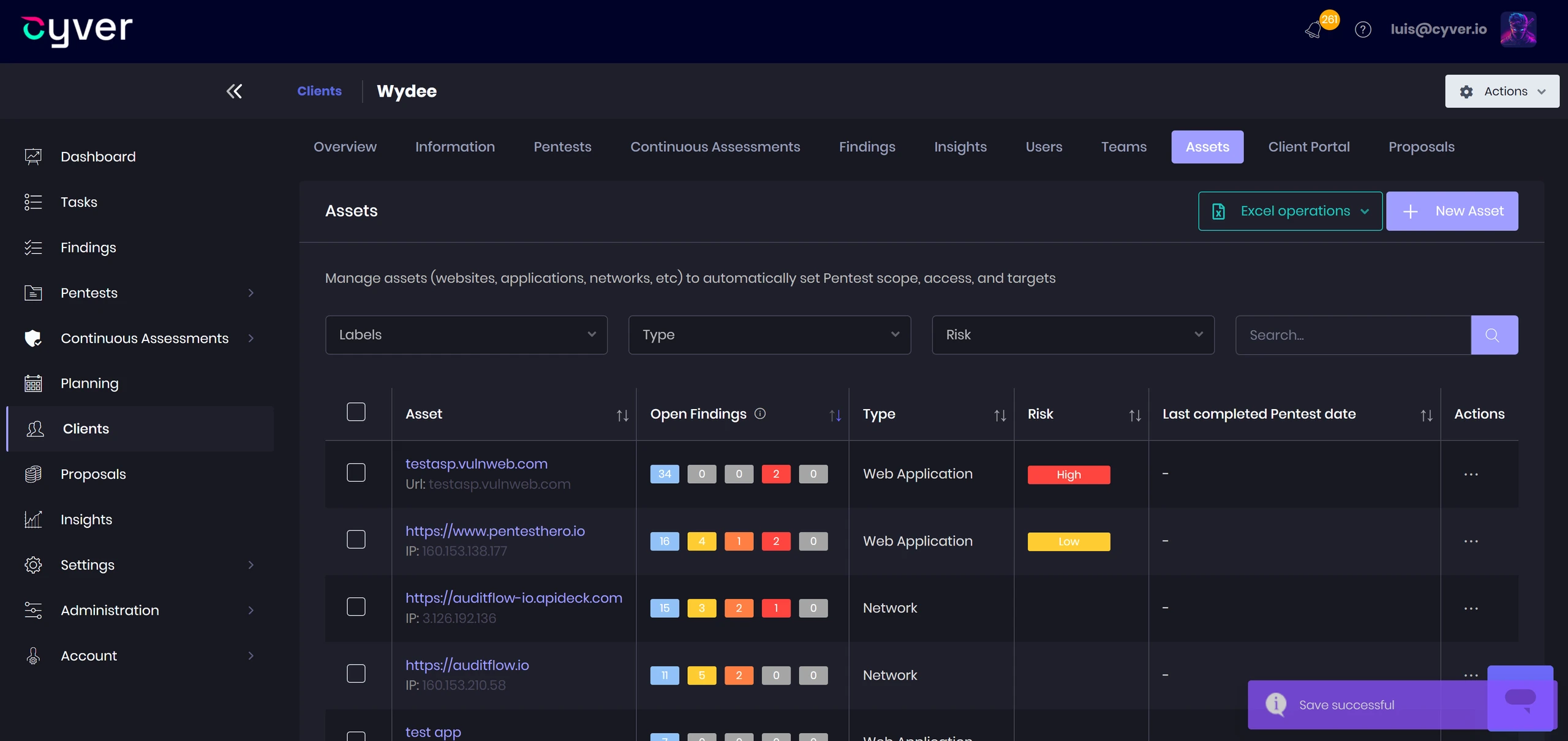
- Discover exposed assets with ASM delivered through Cyver
- Test applications and APIs with Escape-powered DAST
- Combine automated findings with manual offensive validation
- Track remediation, retesting, and recurring exposures in one workflow

“Cyver Core has finally allowed us to provide a continuous pentest model. We’ve been struggling with that and working to provide the best value with testing and the next step was to build a dashboard to deliver customer interaction. With Cyver Core, it’s all just there. The reporting is a little bit easier and more seamless; consistency is there, I’ve been very pleased overall and now we have that pentest-as-a-service product ready to go.”
Features
Discover, Test, and Manage Security Exposures
Connect ASM, DAST, scanner findings, and pentester evidence with structured workflows for validation, remediation, and continuous assessment.
Discover and Test Your Attack Surface
- ASM powered by Escape — Discover exposed applications, APIs, and infrastructure through Cyver’s ASM offering.
- DAST powered by Escape — Test running applications and APIs for vulnerabilities through Cyver’s DAST offering.
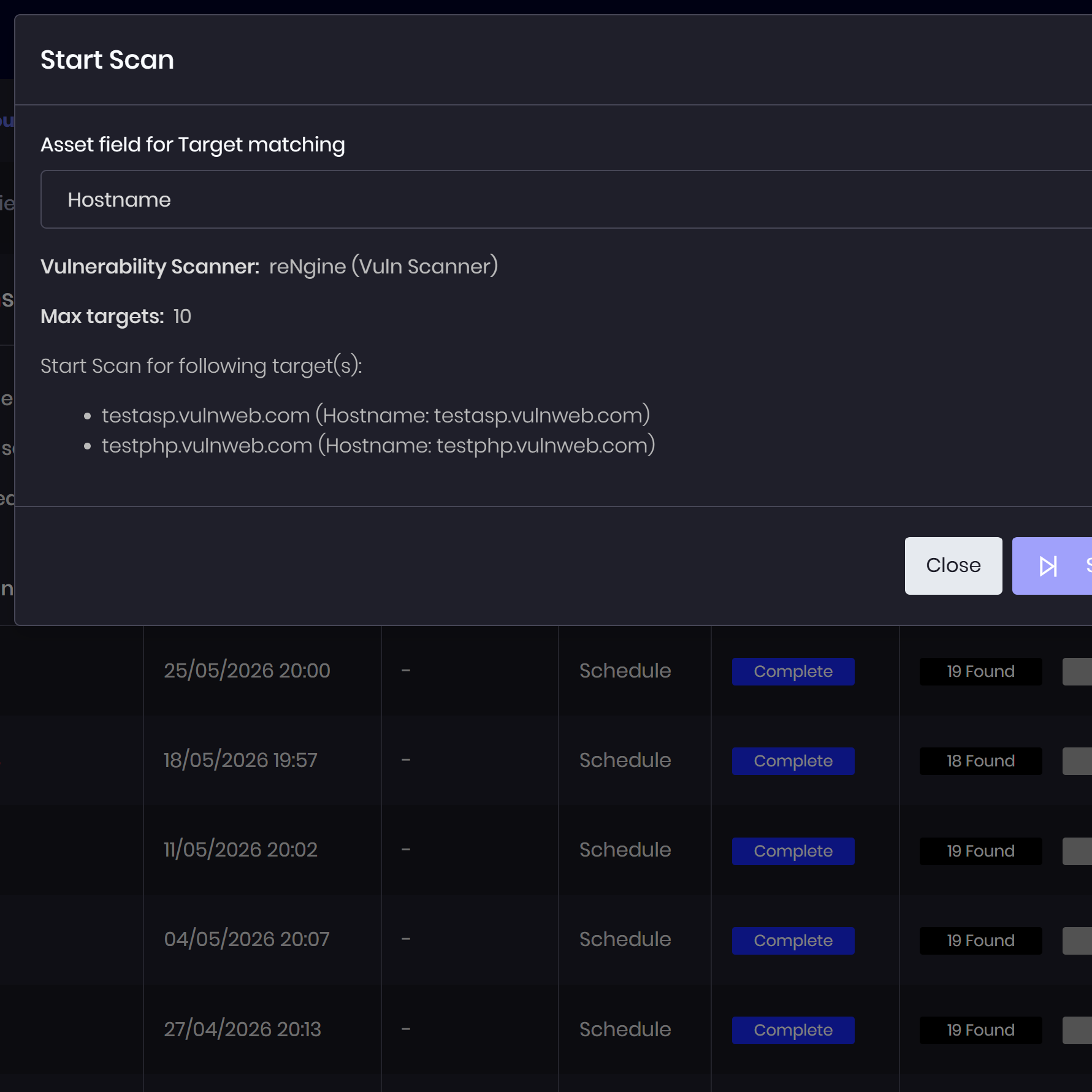
- Security tool integrations — Bring discovery and vulnerability data from Tenable, reNgine, and other supported tools.
- Asset context — Connect findings to affected assets and maintain a shared inventory for assessment and remediation.
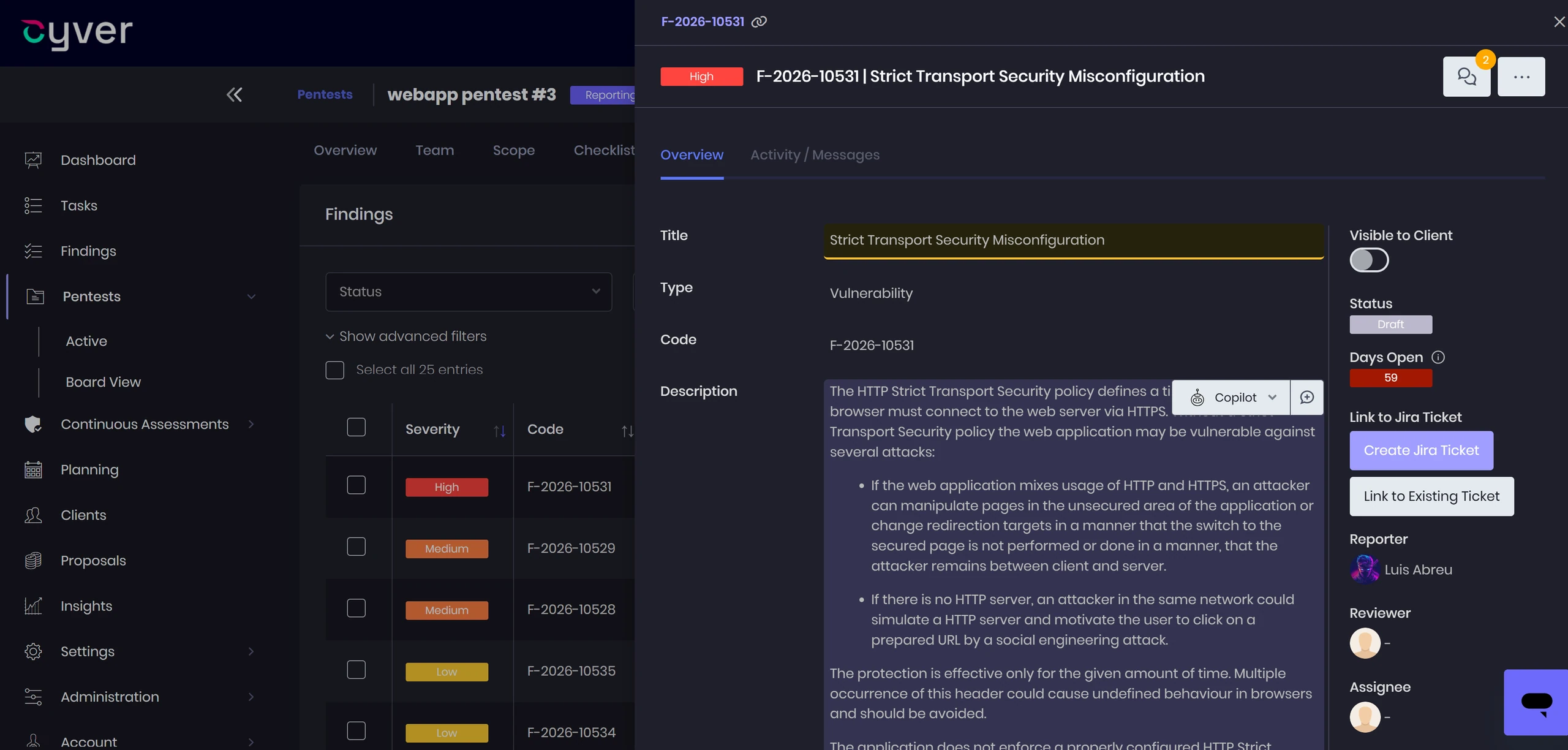
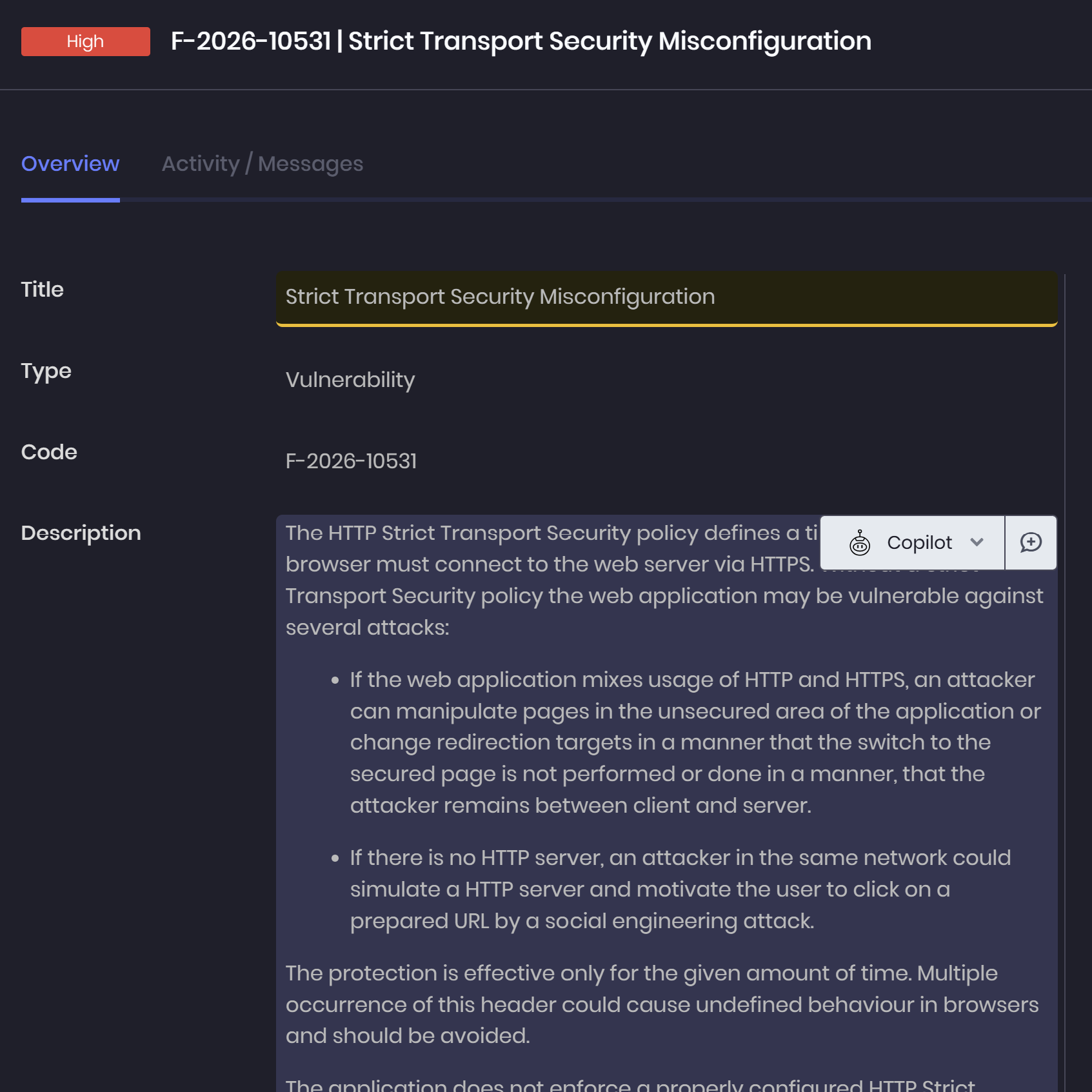
- Finding consolidation — Merge imported entries, link related issues, and organize findings from automated and manual testing.
Validate Exposures and Attack Paths
- Offensive validation — Investigate scanner findings through pentesting and record whether exposures can be exploited.
- Technical evidence — Capture reproduction steps, observations, and supporting evidence for validated findings.
- Attack-chain diagrams — Document how vulnerabilities and attack steps combine into paths toward an objective.
- MITRE ATT&CK mapping — Associate documented attack activity with relevant tactics and techniques.
- Risk prioritization — Use CVSS or custom scores alongside observed exploitability and impact to guide remediation.
Coordinate Remediation and Retesting
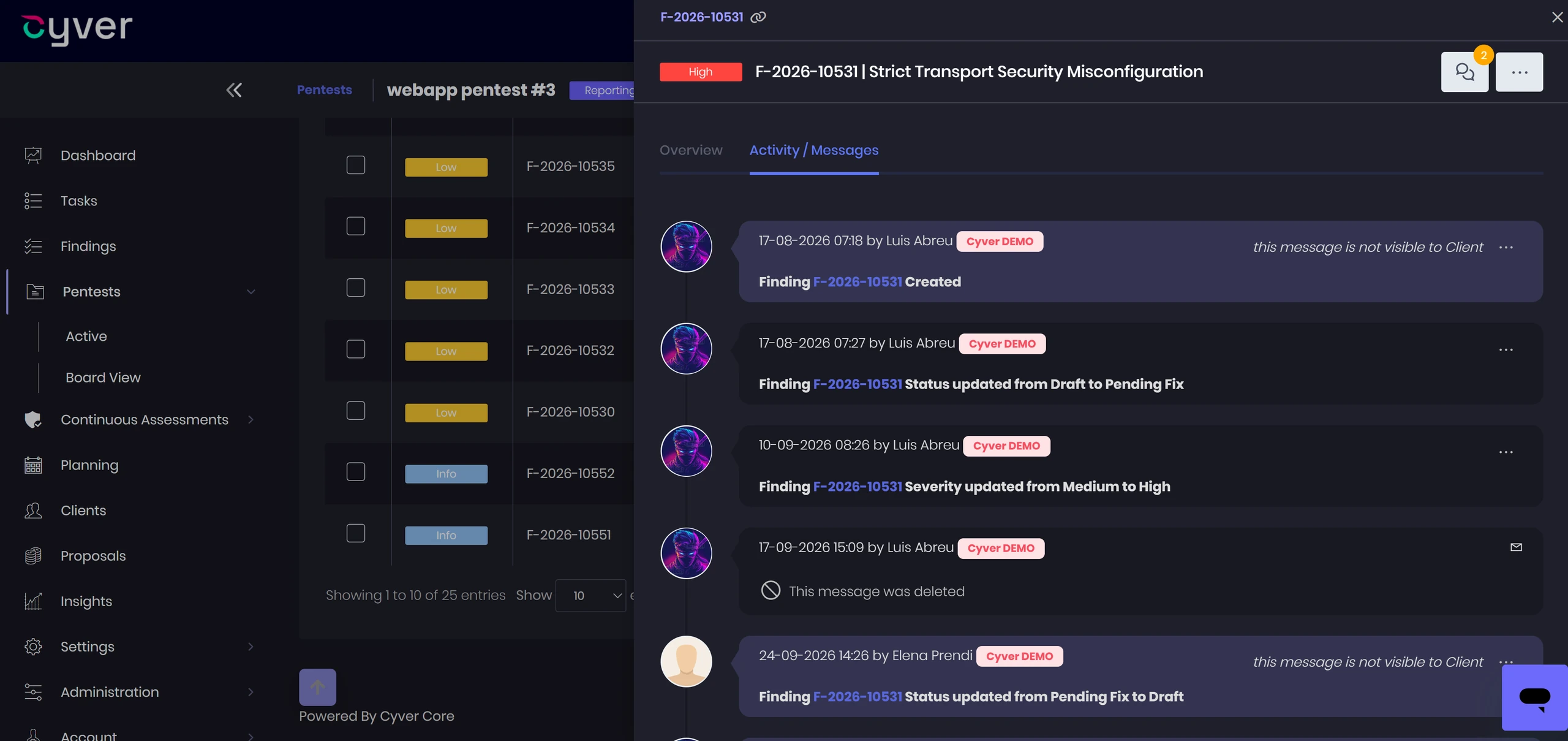
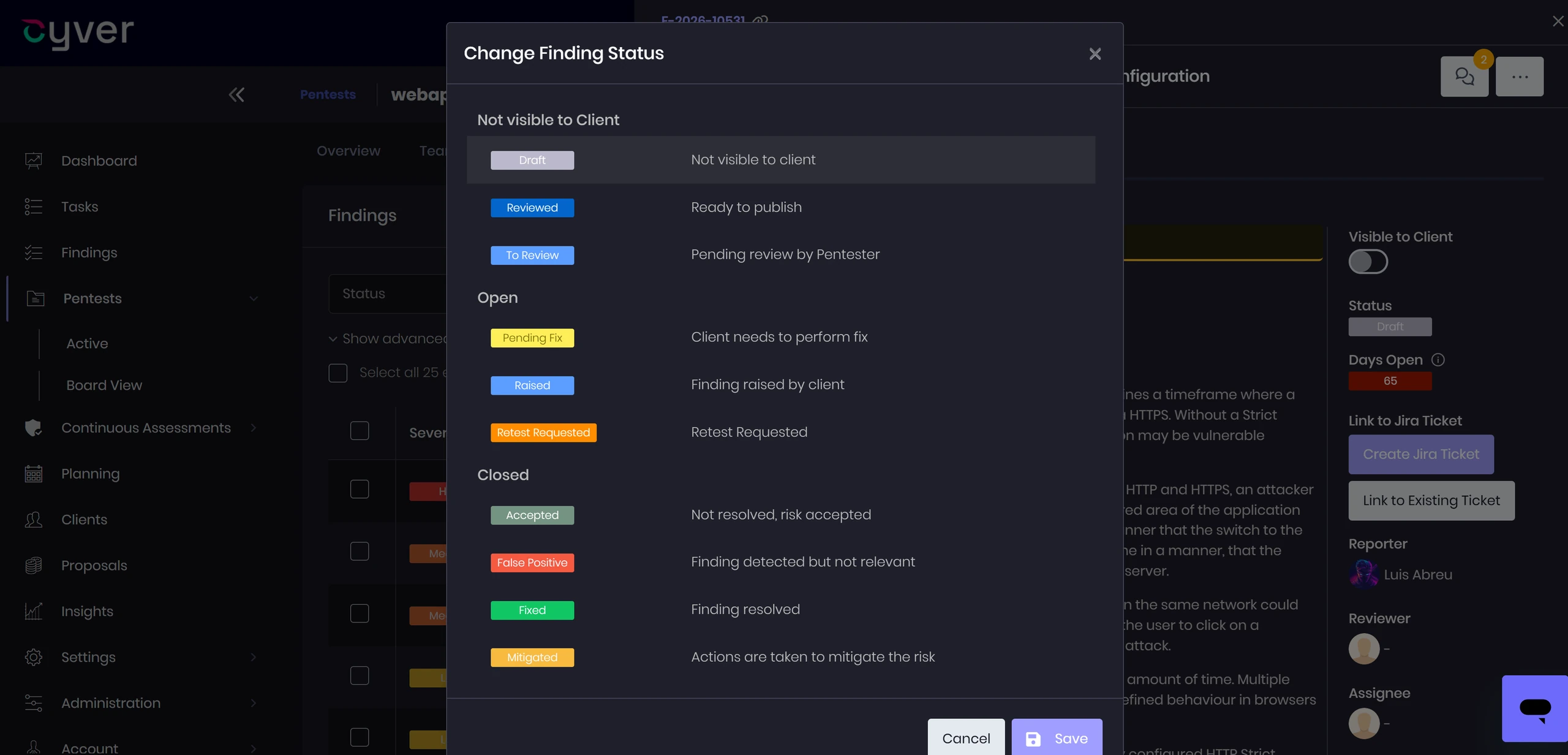
- Finding statuses — Track vulnerabilities through review, remediation, and validation.
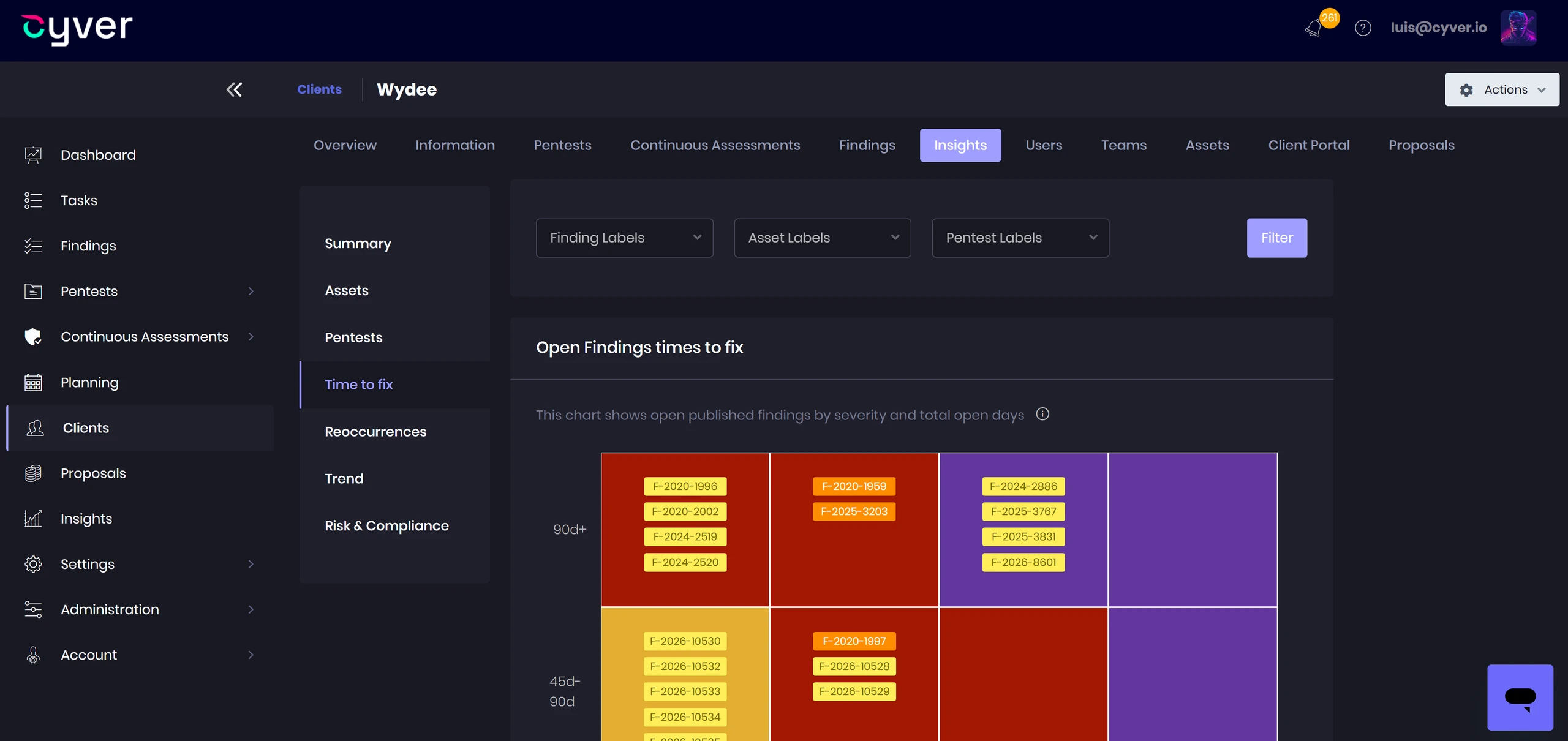
- Remediation SLAs — Monitor remediation timelines and identify outstanding issues.
- Ticketing integrations — Connect findings with Jira, Azure DevOps, and other supported systems.
- Retesting workflows — Coordinate follow-up testing, capture evidence, and record whether fixes address reported vulnerabilities.
- Stakeholder collaboration — Keep remediation discussions, updates, and retest requests connected through the client portal.
Maintain Continuous Assessment and Visibility
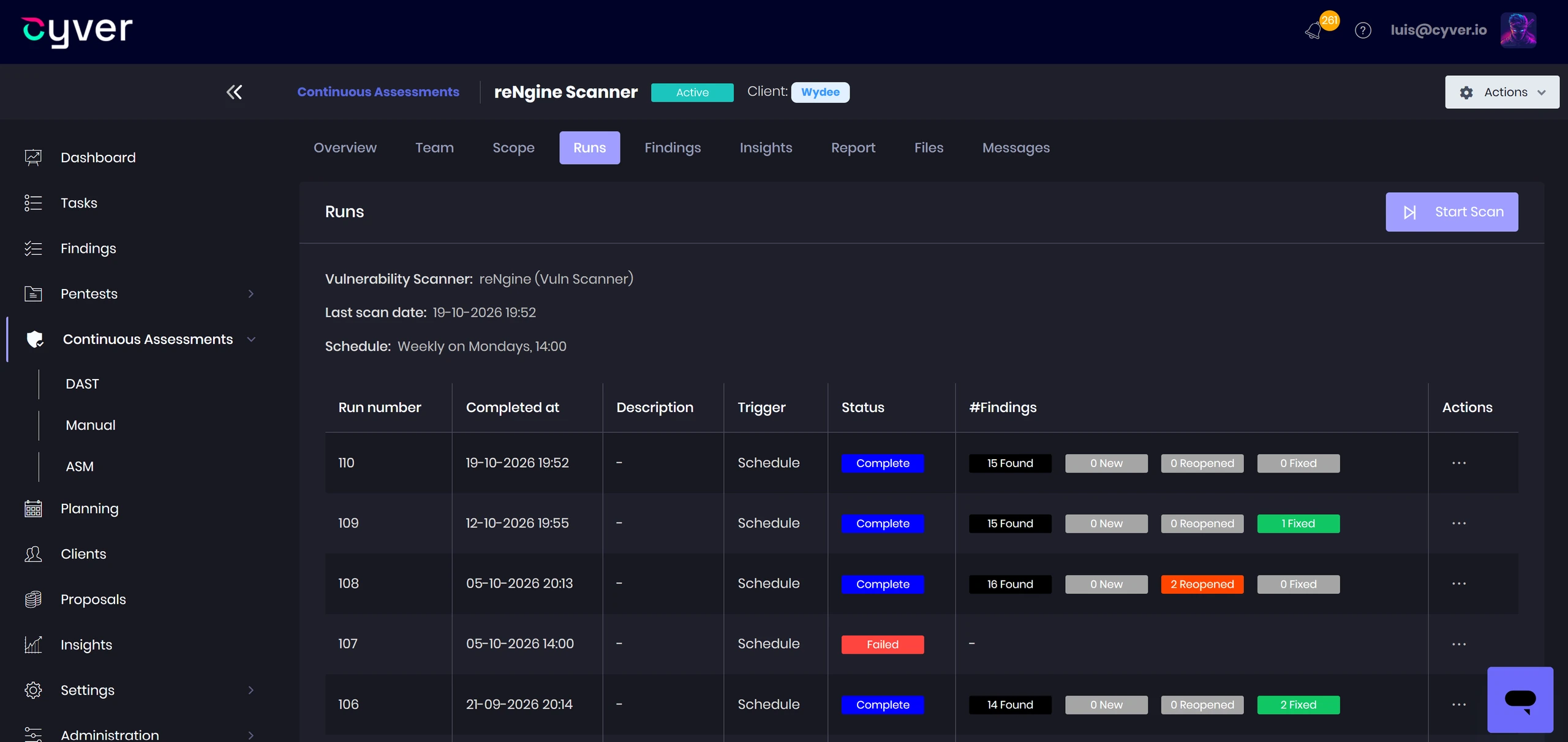
- Continuous projects — Organize recurring assessments into testing runs while retaining engagement context.
- Combined assessment results — Bring ASM, DAST, scanner results, and manual findings into ongoing exposure reviews.
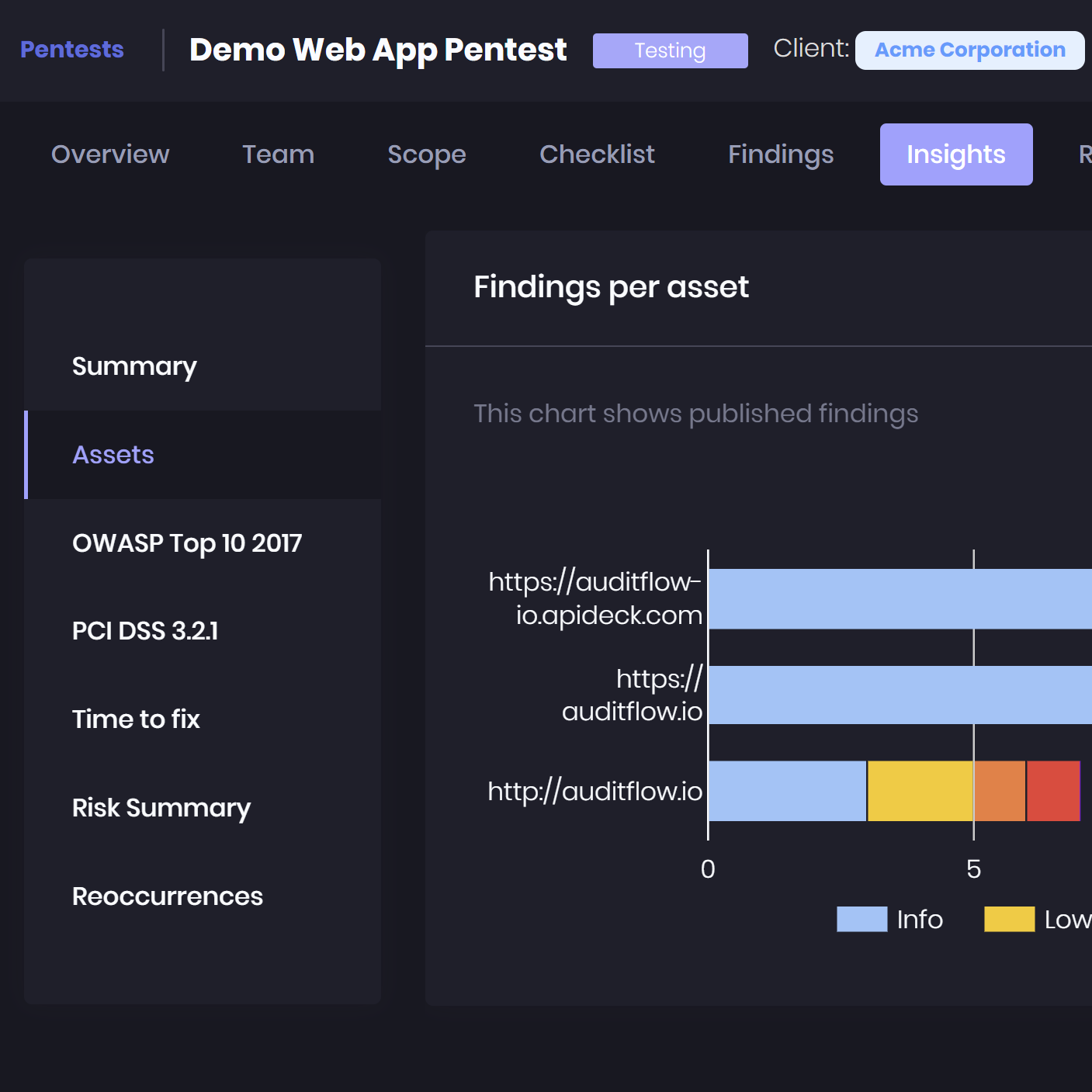
- Finding recurrences — Track vulnerabilities that reappear across assessments and require further investigation.
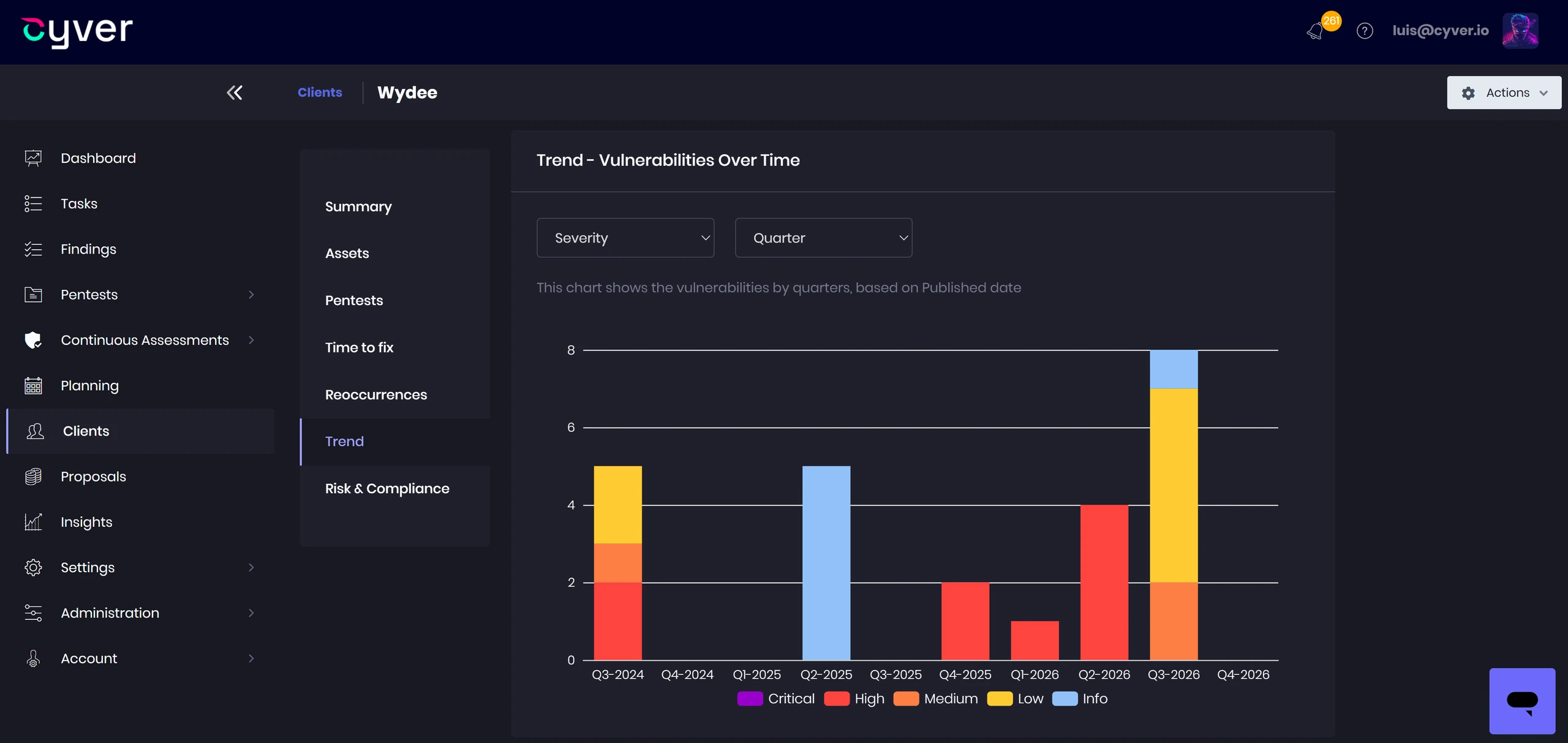
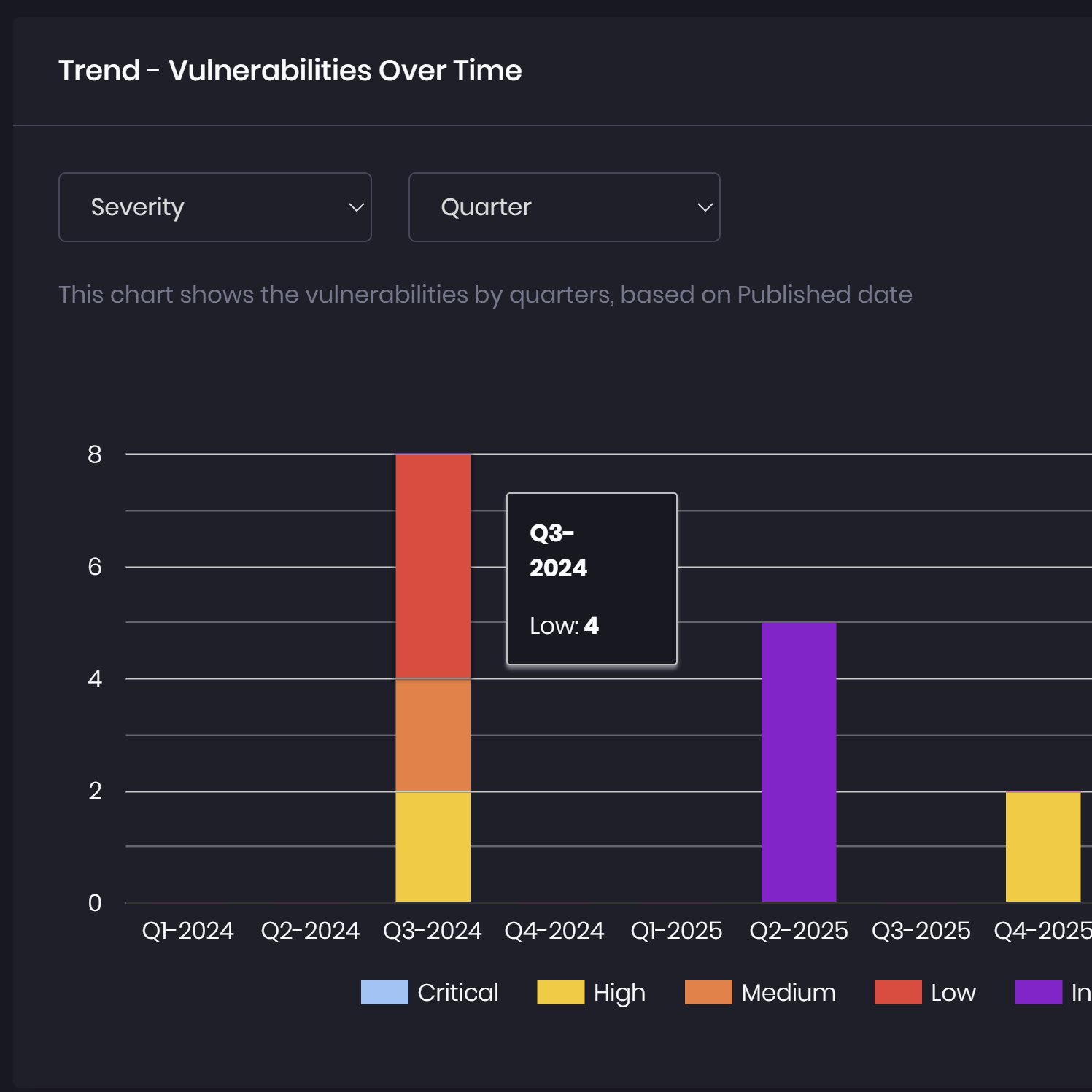
- Progress dashboards — Monitor risk summaries, remediation trends, and time-to-fix insights.
- Reporting and delivery — Generate reports from assessment data and share results through your branded portal.
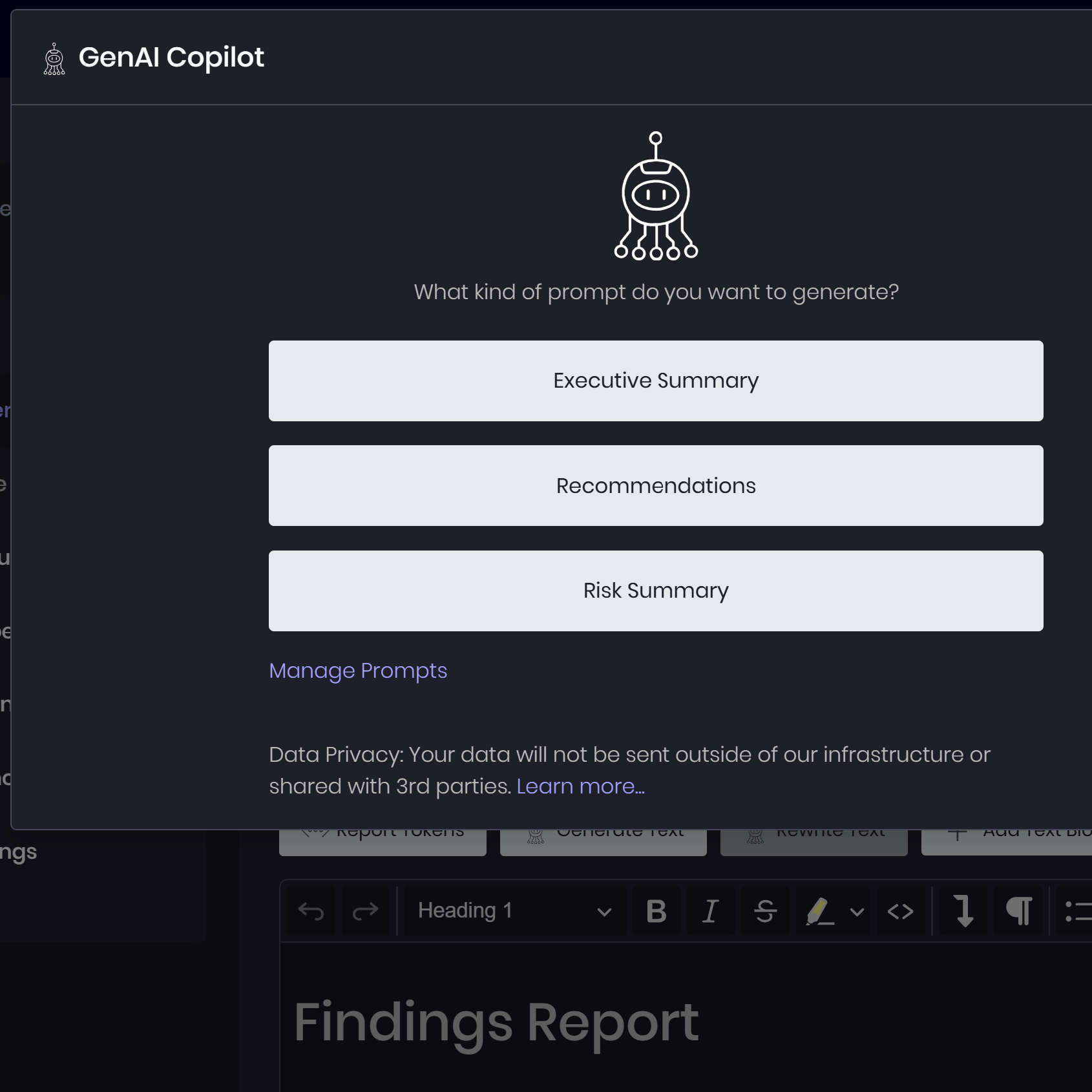
Support Analysis With AI Assistance
- Contextual finding drafts — Turn documented observations into structured vulnerability descriptions for review.
- Stakeholder summaries — Summarize exposure findings and remediation progress for technical and business audiences.
- MCP-connected analysis — Connect compatible assistants such as ChatGPT and Claude to retrieve findings and inspect evidence.
- Controlled data updates — Create or update findings and supporting evidence within the MCP connection’s permissions.
- Practitioner oversight — Review technical conclusions, validate remediation, and approve final deliverables.
Process
The CTEM Journey
Connect attack surface discovery and application scanning with offensive validation, prioritized remediation, and continuous reassessment.

1. Exposure Discovery
Discover exposed assets with ASM powered by Escape, and consolidate asset and vulnerability data from Tenable, reNgine, and other tools.
2. Application Testing and Validation
Identify application and API vulnerabilities with DAST powered by Escape, then investigate findings through targeted pentesting and evidence collection.


3. Attack Path Analysis
Document how validated vulnerabilities and attack steps connect across assets, including relevant ATT&CK techniques and potential impact.
4. Prioritized Remediation
Prioritize findings using severity, exploitability, and impact. Coordinate fixes through remediation workflows, SLAs, and ticketing integrations.


5. Continuous Reassessment
Combine recurring discovery, scanning, and retesting to identify new exposures, verify fixes, and track vulnerabilities that reappear.
%
Customer Satisfaction
%
Customer Retention
%
Reporting Time
%
Repetitive Work
Built for Continuous Exposure Management
Discover exposed applications, APIs, and infrastructure

Test running applications with Escape-powered DAST
Combine automated scanning with manual offensive validation
Prioritize findings using evidence and attack context
Centralize results from existing scanners and discovery tools
Track remediation through connected engineering workflows
Reassess exposures across continuous testing runs
Deliver findings and progress through a branded client portal
Boost Use Case
Extend Your Exposure Management Operations
Deliver continuous security services with connected workflows for client collaboration, engagement setup, and team coordination.

Client Delivery
Give clients visibility into exposures and remediation progress.
- White-labeled client portal
- Share findings, evidence, and assessment updates
- Retesting requests and remediation tracking
- Ongoing communication across assessment cycles

Sales Pipeline
Define and approve continuous assessment engagements.
- Quotes and proposals
- Statement of Work management
- Client credit handling
- Approval workflows

Project & Team Management
Coordinate continuous assessments across clients and teams.
- Scheduling and shared calendars
- Gantt charts for engagement timelines
- Task assignment and tracking
- Internal comments and collaboration
Client Delivery
Give clients visibility into exposures and remediation progress.
- White-labeled client portal
- Share findings, evidence, and assessment updates
- Retesting requests and remediation tracking
- Ongoing communication across assessment cycles
Sales Pipeline
Define and approve continuous assessment engagements.
- Quotes and proposals
- Statement of Work management
- Client credit handling
- Approval workflows
Project & Team Management
Coordinate continuous assessments across clients and teams.
- Scheduling and shared calendars
- Gantt charts for engagement timelines
- Task assignment and tracking
- Internal comments and collaboration

Discover The Core Platform
AI Assistance
Hosting
Integrations & API
Whitepaper
Deploying CTEM for Enterprise Protection
Connect attack surface discovery, application testing, and offensive validation with the operational workflows needed to prioritize exposures, coordinate remediation, and measure progress.

Connect Discovery, Testing, and Remediation in Cyver Core

“Cyver is really helpful, I really like it. We had an old reporting system we developed ourselves and it was a great change to Cyver. We’re really happy with the updates and the maintenance, it feels like we get new features every month or so, I’m really happy. We can easily prepare a report that looks good, deliver extras like the customer portal to the client, and consistently get great feedback from our customers.”
Any questions?
We're here to help
What is a Pentest Management Platform?
Pentest Management Platforms like Cyver Core digitize pentest workflows, replacing manual communication and reports with digital workflows. It means real-time results, live communication with clients, and findings as tickets. Plus, we offer automated pentest reporting, complete with integrations for tools like Burp Suite, Nessus, NMap, & more. Our goal is to help pentesters save time (70-85% of time spent on every report), reduce overhead hours for pentest management, and deliver pentest-as-a-service to clients.
How is Cyver Core Secured?
Cyver Core is fully secured, regularly pentested, and regularly backed up. We maintain SOC2 compliant infrastructure, as verified by external auditors. All user data is stored redundantly and automatically backed up inside Microsoft Azure architecture, with fully redundant server architecture and network connectivity. We take security seriously, and you can see a full list of our security practices in our security policy.
Will My Clients See I Use Cyver Core?
No! Cyver Core is fully white label. When you onboard your clients to our platform, they see your branding and brand name. You can also fully customize reports, project templates, and other digital assets. Your clients, your brand, your digital privacy, powered by Cyver Core.
How Does Cyver Core Automate Workflows?
Cyver Core utilizes standardized workflows to automatically progress projects based on pre-defined parameters and settings. You set up project templates and Cyver Core automatically performs workflows inside those, to move the project from one stage to the next, to create Findings tickets from imported data, to notify stakeholders, and to schedule the next pentest. In addition, Cyver Core uses automation and Smart features to auto-fill tickets, to create projects, and to generate reports, so you have to do the minimum manual work possible. Visit our features page to learn more.