
The pentest report is often the most important part of your pentest, it's the deliverable that the client pays for. For that reason, most pentest firms invest vast amounts of time into the pentest report, ensuring that every detail from layout to informative content is just right. Cyver Core helps you save time on that process, automating much of the manual work around adding copy-paste and prepared content and allowing you to auto-fill that content into pentest report templates.
At the same time, you'll always need custom content. That's even true when you use features like Cyver Core's custom content block and section libraries, which allow you to save custom content into reusable blocks that you can add anywhere in your report or to reusable sections, so you can customize the layout of your report on the fly.
Comment Functionality
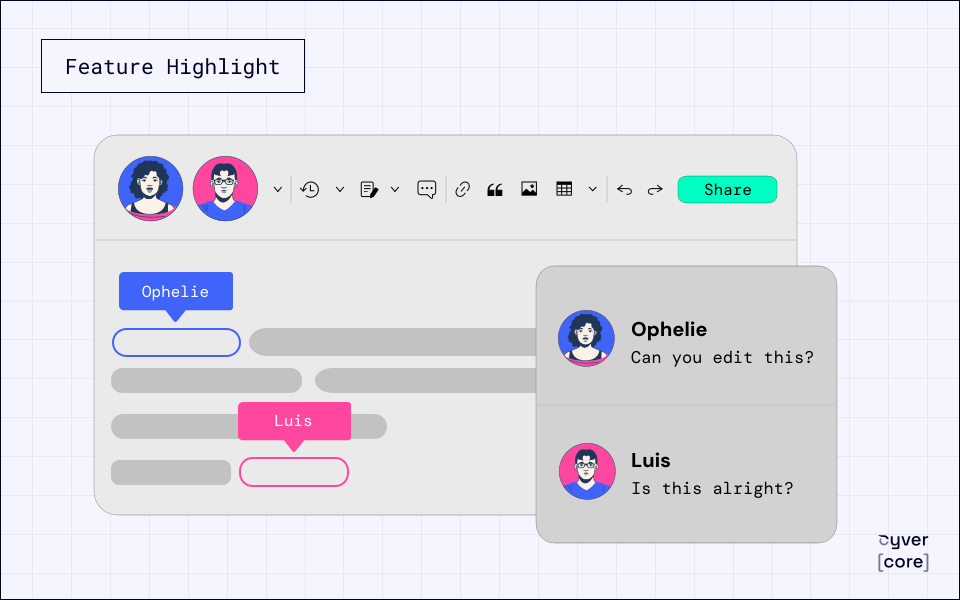
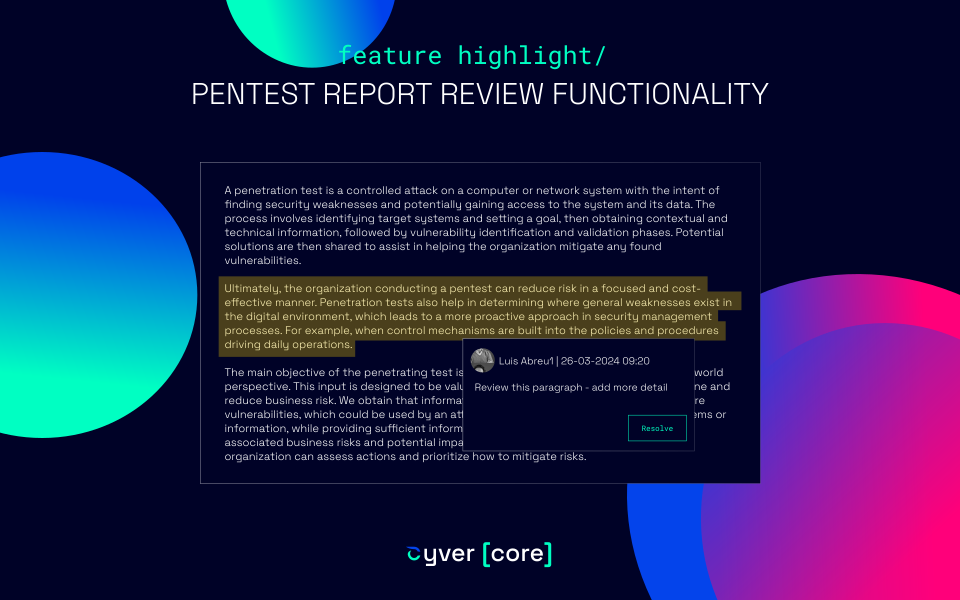
The Cyver Core Report Editor now allows you to leave comments and suggestions on the report as part of a review process before you publish the report. This can allow you to:
- Ask questions of others contributing to the report
- Verify that items have been checked
- Make suggestions without just adding them
- Discuss content placement
In addition, comments allow you to highlight specific items in the report, so your co-writers and editors can easily see what you're specifically talking about. When you've finished working on the highlighted item, you can resolve the comment. That creates a clear and traceable log of edit requests and changes, ideal for most teams.
Comments are the newest feature in our Editor, which also includes:
- Auto-save
- Change log and version control
- Support for multiple contributors
- Editor roles (so you can have editors help with content and grammar without giving them access to technical parts of the platform)
- Markup and custom HTML
- In-line images
Comments are just one of our new pentest report editor features we're planning for 2024. Keep checking back for more.
If you'd like to see comments or our other pentest report editing features in action, contact us to request a demo. Or, get in touch with your Customer Success Manager to ask questions about your existing account!