
More flexible reporting is one of the most in-demand features asked for by our users. That’s especially true for red team and old school pentesting, where the report has to update around the demands of testing that changes based on what you find. If your pentesting and red team assessments change on the fly, your pentest reporting automation has to as well.
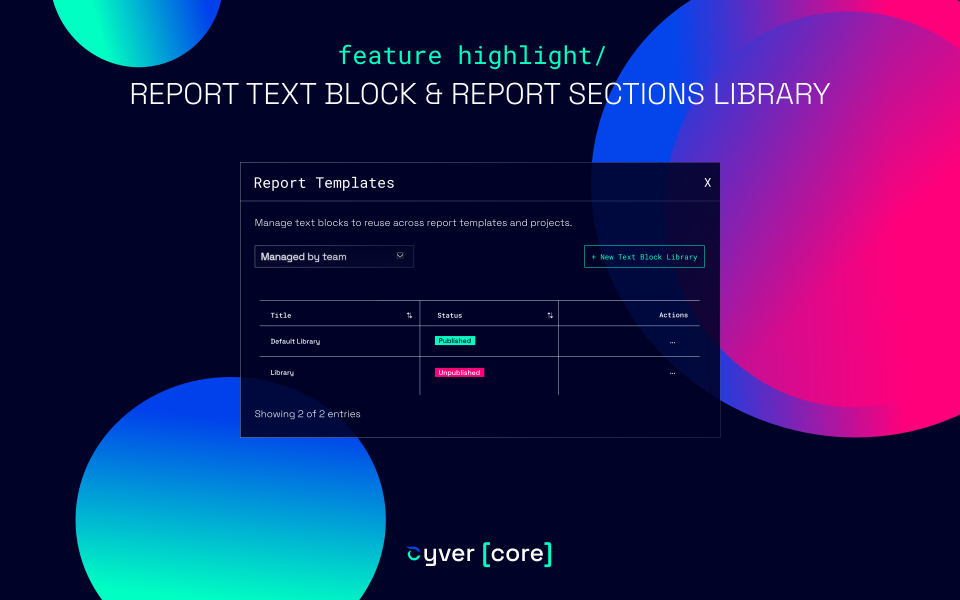
That’s why Cyver Core has introduced two new content library features.
- Report Text Block Library
- Report Sections Library
These new features will allow you to re-use and add unique or pre-written content to your report templates, on the fly, with the click of a button.
Report Text Block Library
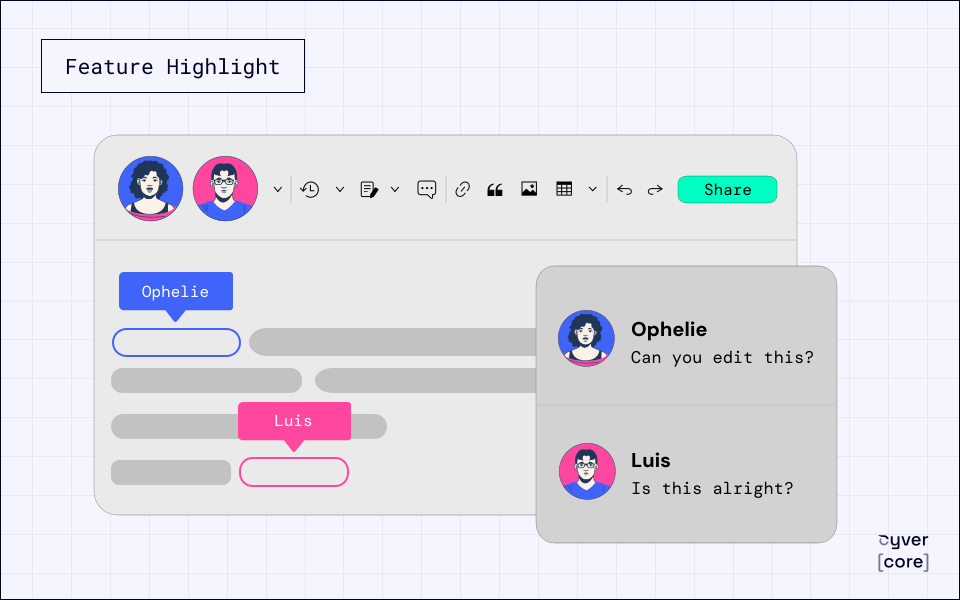
The Report Text Block Library allows you to create and save individual blocks of text to a content library. This means you can write up mostly unique content, such as introductions for specific methodologies, writeups for a specific asset, etc. That gives you the opportunity to create a block of text and then add it to your report, on-demand, edit it, and use it as-is.
That also means you can create blocks of text that you can label, organize, filter, and search through, and then automatically add with the click of a button. Chances are, you’ll still have to edit it to be completely relevant to your specific report, but you’ll need much less in the way of unique content.
Report Sections Library
Report sections allow you to add in-depth information around methodologies, compliance norms, assets, etc. The new report sections library means that you can save a library of report sections and then dynamically add them to your report on an as-needed basis. That comes in especially handy for security testing assignments where you don’t yet know what you’ll find. Report Sections can be fully written out with summaries, methodology, tokens to generate tables and pull data from your clients and findings, and that means they can be used across as many clients as you want. So, you get a flexible report template that still allows you to automatically pull everything you need into the template.
If you’d like to see these new features in action, contact us for a demo.