
Q3 was about giving teams more visibility and more control, from a single view across every client down to the smallest token in a report template. Here's a walk through everything that shipped.
Visibility Across All Clients
The biggest addition this quarter is a single place to see what's happening across your whole client base, without clicking into each client one by one.
- Global Insights view in the Pentest Portal
- Dedicated Findings and Projects tabs
- Filtering by Client, Labels, Status and more
- Gantt chart visualizations for project tracking
A Rebuilt CVSS Experience
CVSS scoring got a full overhaul, so scores reflect real-world context and not just Base Metrics.
- Temporal and Environmental metrics in the CVSS 3.1 calculator
- Real-time Base, Temporal, Environmental and Final Scores, plus the full vector
- Manual entry and editing of CVSS values
- CVSS 2.0 and 3.0 calculators moved to the new UI
- CVSS calculator now opens in a dedicated drawer
Always Up-to-Date Vulnerability Data
Finding libraries and vulnerability references now take less manual upkeep.
- Automatic sync with official CVE/CWE databases
- Text editor selection (Markdown or Rich text) for Finding Libraries
- Conversion of existing Markdown libraries to Rich text
- Library operations now only show libraries that use the same editor as the project
More Control Over Reports
Most of this quarter's reporting work went into the details, so templates can produce exactly the output you want.
- Custom labels and descriptions for report versions
- View syntax button for the Report Version table token
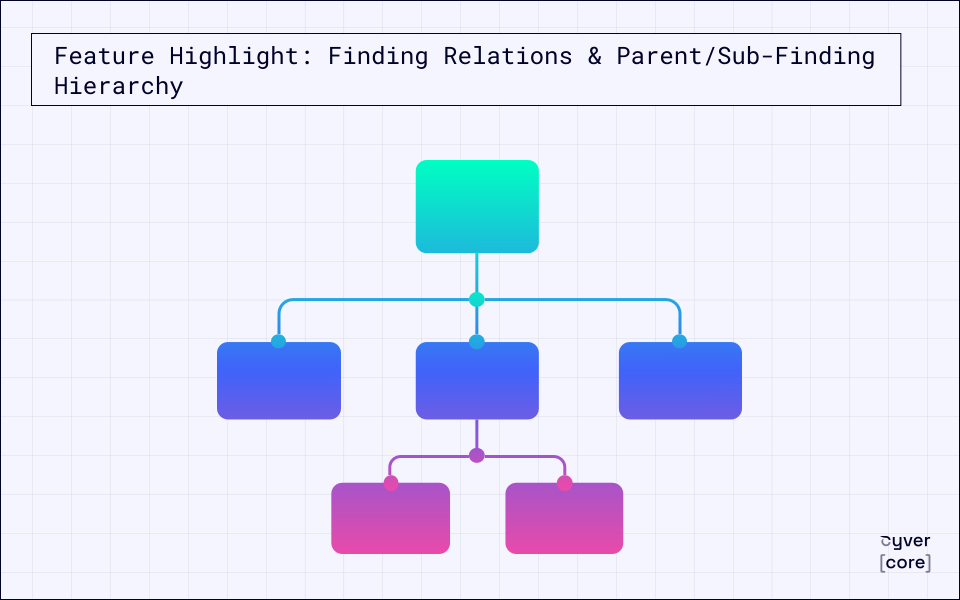
- Customizable texts for Finding Relations
- Impact description added to Customize Text
- Asset display count parameter for the {Checklist_Table} token
- "Results" field in the dynamic evidence table
- Empty evidence tables hidden automatically in {Finding_Details}
- Export project checklists to Excel
A Better AI Copilot
The AI Copilot became easier to review and can now connect to more of your stack.
- MCP Server integration
- New dropdown buttons and collapsible prompts
- Clearer Insert/Replace Text actions
- Green highlight on newly inserted text
Continuous Projects Improvements
Continuous Projects need less cleanup between runs now.
- Auto-merge of duplicate findings within the same Draft Run
- Server-side charts rendered correctly on run completion
- Automatic report generation across all attached report templates
- Multiselect in Template dropdowns for Projects and Continuous Projects
API Improvements
For teams building their own automations, the v2.2 API now takes fewer steps to work with.
- evidenceFiles supported across the full evidence lifecycle
- upload-file now always returns a fileToken GUID
Administration and Security
And a few admin changes that make setup and account management smoother.
- Sandbox Tenant Data Import from your primary tenant
- Email editing hidden for SSO-only configurations
- Clearer handling of duplicate email account creation, including the profile switcher
What to Expect in Q4
Q3 2026 was about seeing more and controlling more: cross-client insights, context-aware scoring, and finer control over every report. In Q4 we’re building on that with more flexibility in how teams set up and manage their work, deeper AI support across reporting, and more ways to connect Cyver with the rest of your security stack. All of it moves Cyver further toward a complete operating system for penetration testing and security assessments. More on that in the next recap.