

The Pentest Management OS for Modern Offsec Teams
Run testing, reporting, remediation and client delivery from one platform.
- SOC2 Certified
- Cloud SaaS or On-Prem
- Integrated Scanning

Trusted By World Leading Cybersecurity Companies


Use Cases
Built for every role. Ready for every use case.
Connect security teams, pentest providers, and engineers across pentesting, red teaming, and continuous exposure validation.
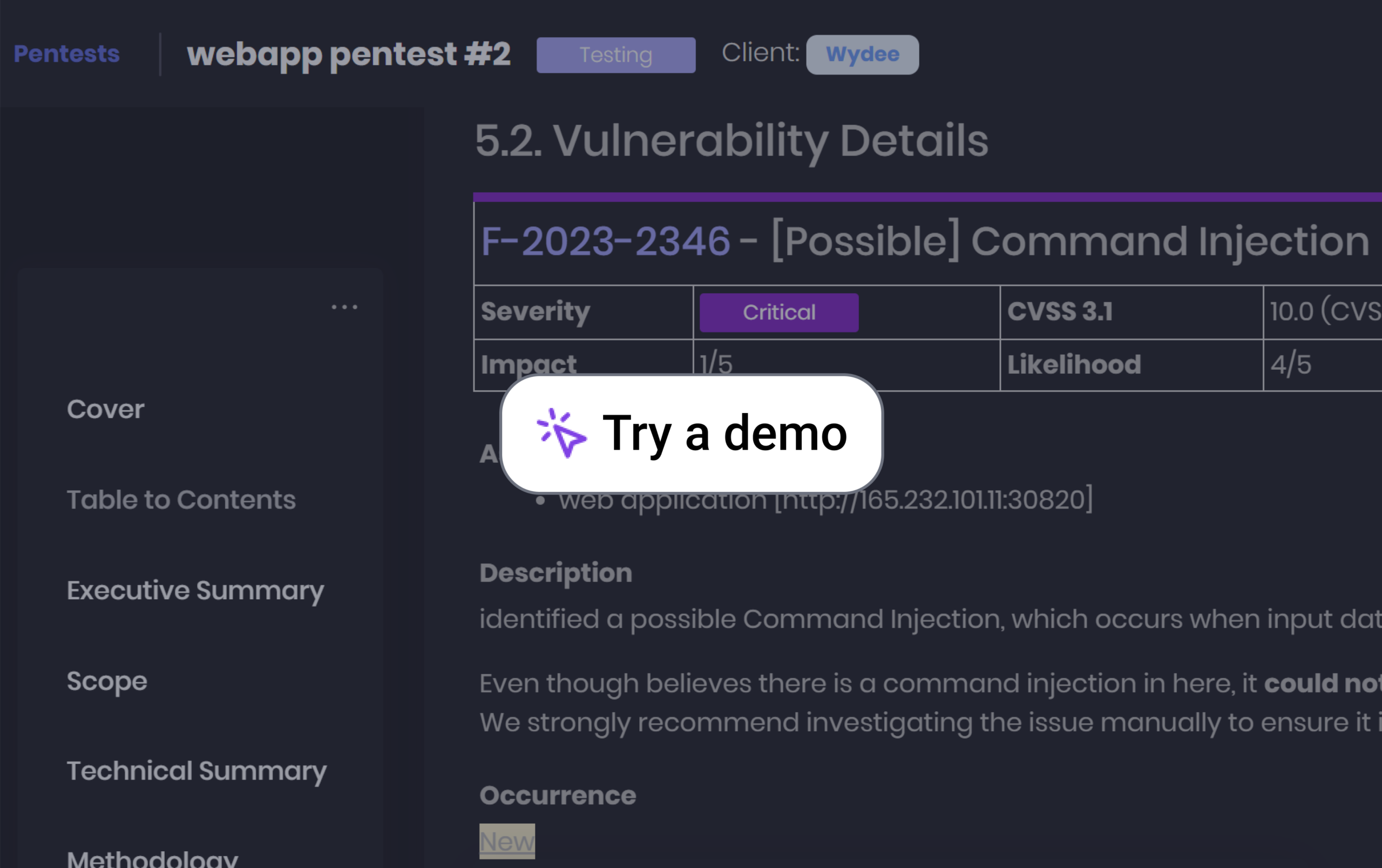
Pentest Reporting
Standardize and Scale Pentest Reporting. From tool output to structured, consistent reports, delivered professionally to every client.
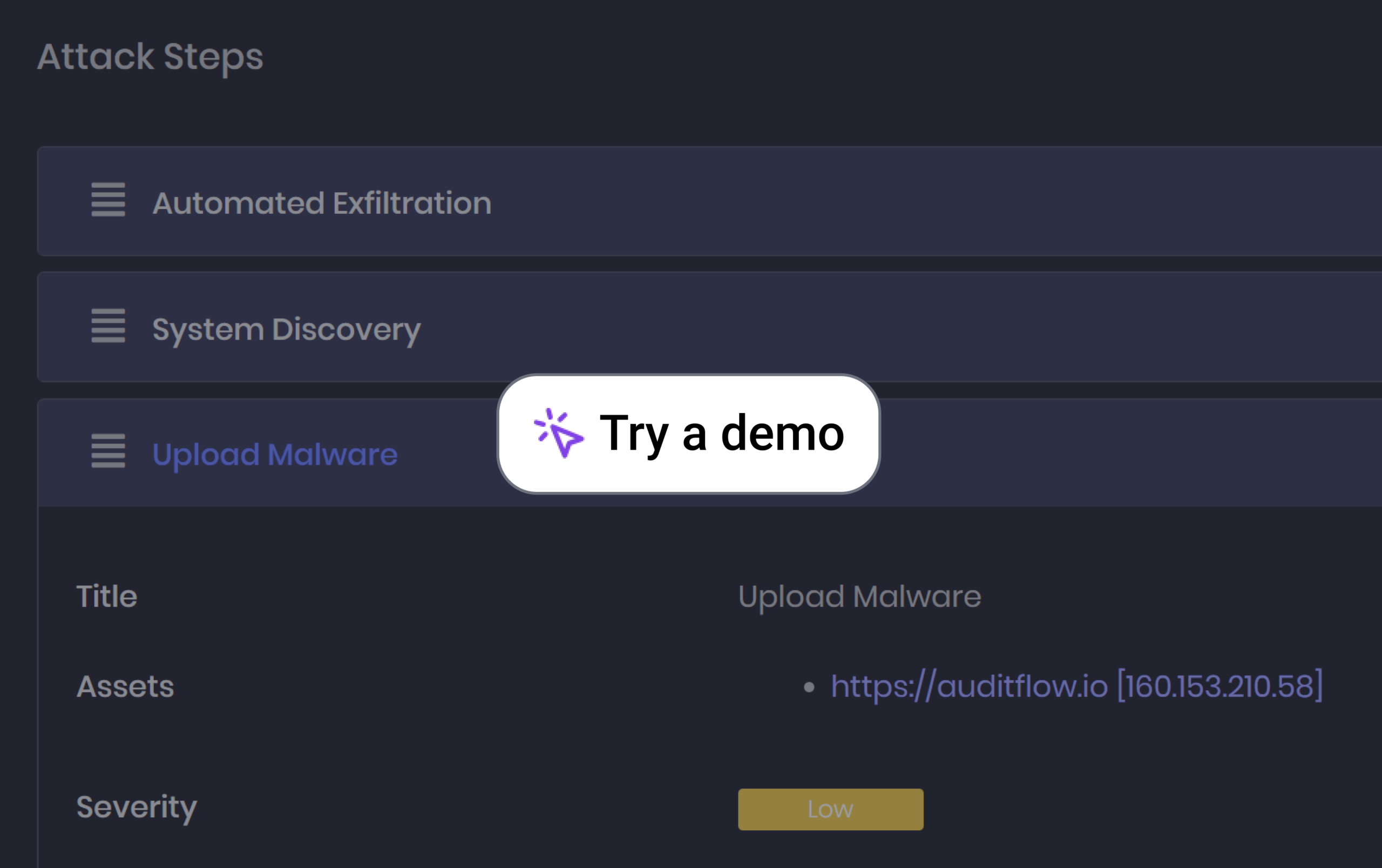
Red Teaming
Plan and communicate adversary simulations with attack chain visibility and MITRE ATT&CK mapping.
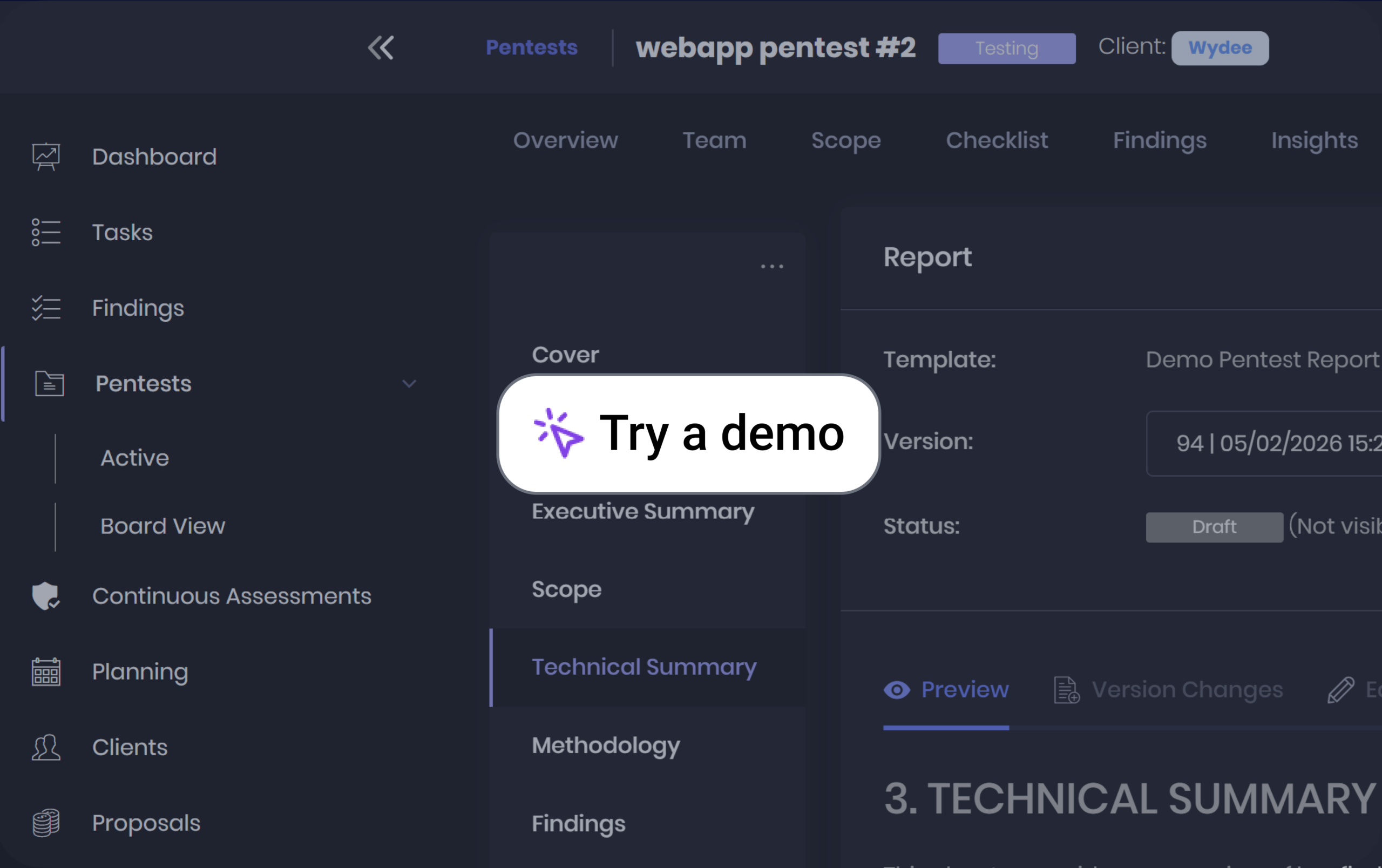
Pentest-as-a-Service
Deliver continuous pentest engagements with consistent reporting and professional White-label client portal collaboration at scale.
Audit & Benchmarks
SOC
Vulnerability Management
CTEM
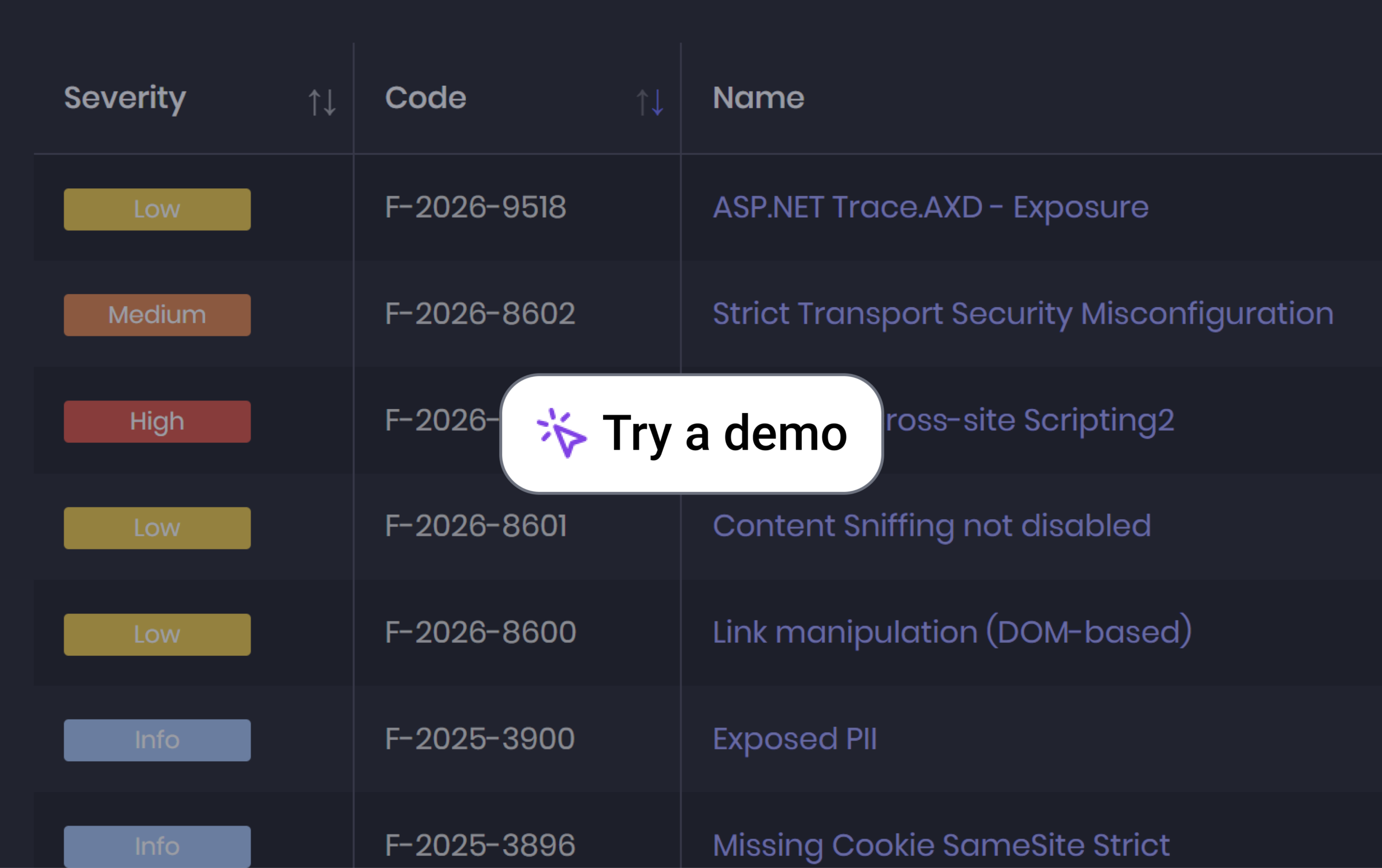
Vulnerability Management
Centralize vulnerabilities from multiple tools, validate exposures through testing, and collaborate with teams to track remediation and risk reduction.
Pentest Reporting
Standardize and Scale Pentest Reporting. From tool output to structured, consistent reports, delivered professionally to every client.
CTEM
Continuously identify, validate, prioritize, and reassess exposures through offensive testing workflows, attack surface visibility, and continuous security operations.
Audit & Benchmarks
SOC
Pentest-as-a-Service
Red Teaming

“The best investment we have made! We started using Cyver Core software over two years ago and it has been the best investment we have made since we started our business. The task checklists cover every pentesting framework imaginable and help us manage our team effectively.”

Features
The Full Pentest Journey
From onboarding and testing to reporting and remediation, Cyver connects every step of your pentest lifecycle.
1. Scoping 
Initiate and structure engagements from the start.
- Scoping requests – Collect targets and requirements through custom forms.
- Quotes and SoWs – Prepare proposals for client approval and signature.
- Target assets – Manage in-scope assets with Excel import and export.
- Engagement templates – Reuse workflows, checklists, and custom fields.
- Team planning – Schedule pentesters through calendar and Gantt views.

2. Testing 
- Testing checklists – Use OWASP OTG, ASVS, or custom procedures.
- Asset-linked coverage – Link testing tasks to assets across methodologies.
- Benchmarks and frameworks – Apply CIS Benchmarks, OWASP Top 10, and PCI DSS.
- Red team scenarios – Map objectives, ATT&CK techniques, and attack chains.
- AI and MCP access – Retrieve context and update permitted data through AI assistants.
3. Finding Management 
- Tool imports – Import Burp Suite, Nessus, Nmap, Qualys, and other outputs.
- Libraries and enrichment – Reuse write-ups with CVE, CWE, and Exploit-DB references.
- Technical evidence – Capture reproduction steps, affected assets, and supporting evidence.
- CVSS and custom scoring – Rate findings with the CVSS calculator or custom scores.
- Finding relationships – Merge, clone, and link findings in parent/sub-finding structures.
4. Reporting and Delivery 
Turn findings into clear, professional deliverables.
- Report templates – Customize branding, sections, and reusable content.
- Dynamic tokens – Populate reports with project data, findings, and attack chains.
- Collaborative editing – Write together with review comments and version history.
- AI assistance – Draft and refine findings and executive summaries.
- Report delivery – Generate PDF, Word, or HTML reports and share through your portal.
5. Remediation and Continuous Improvement 
Track, validate, and improve security over time.
- Remediation tracking – Monitor finding statuses and remediation SLAs.
- Ticketing integrations – Connect findings with Jira, Azure DevOps, and other tools.
- Client collaboration – Coordinate updates, discussions, and retest requests.
- Retesting – Verify fixes and record evidence and outcomes.
- Continuous assessment – Track testing runs, recurring findings, and remediation trends.

%
Customer Satisfaction
%
Customer Retention
%
Reporting Time
%
Repetitive Work
Integrations
Your Pentest = Your Tooling
Your tooling, your methodology, your report, our platform. Don’t see your integration? Onboard, and we’ll build it for you!


















Core Platform
The Core Platform 
to Support your Use Cases
Built for modern pentest teams, Cyver Core combines automation, integrations, security, and flexible deployment into one operational platform. Everything you need to run scalable offensive security workflows, connected in one place.
Connecting Stakeholders
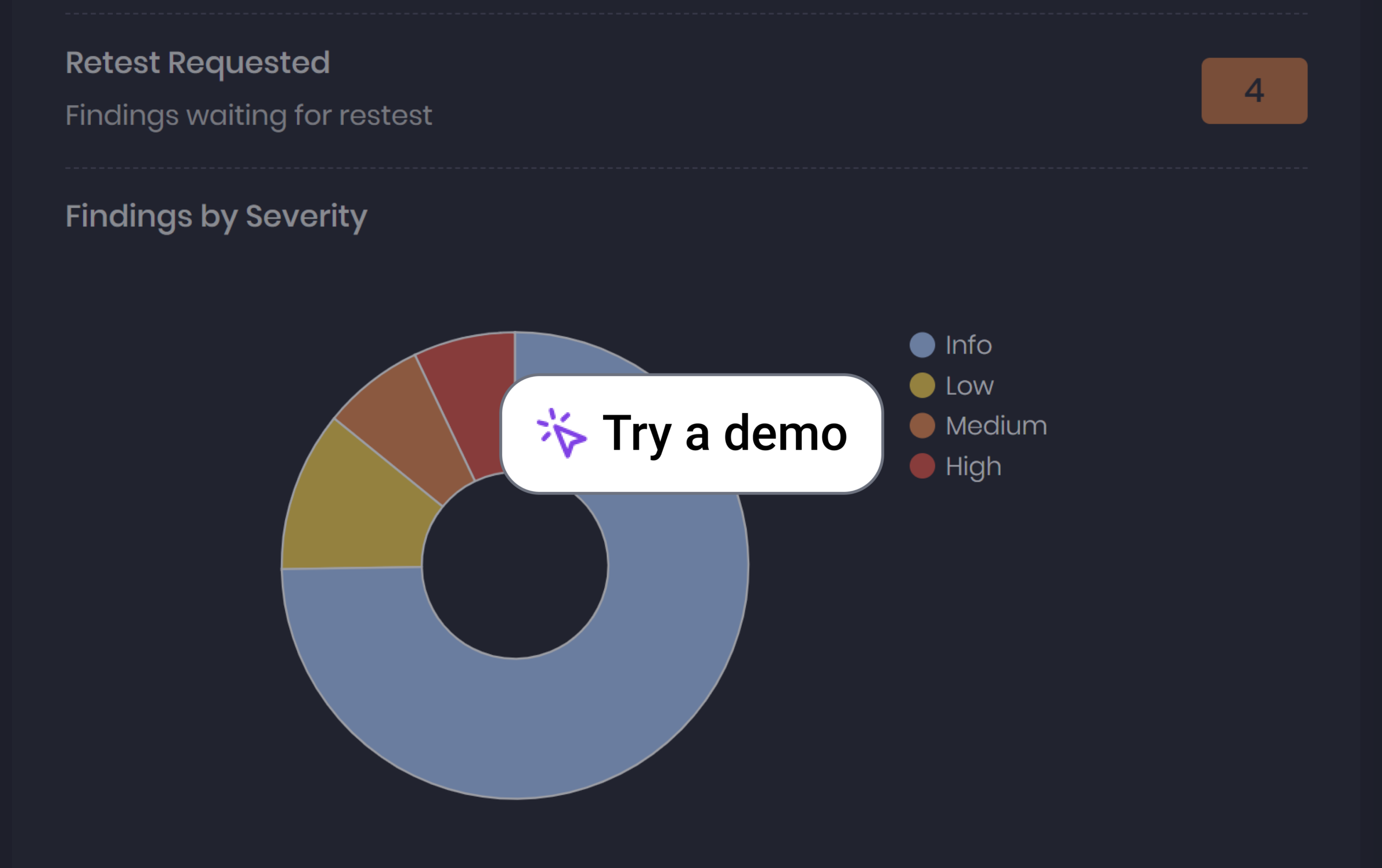
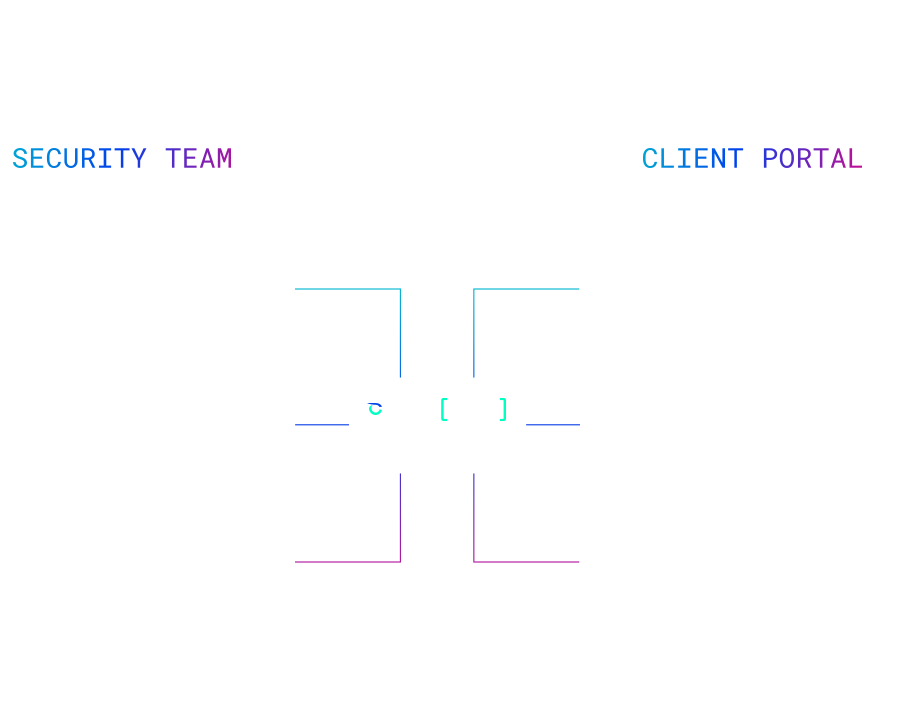
Connect all stakeholders with real-time workflows, dashboards, and notifications, no more fragmented communication.
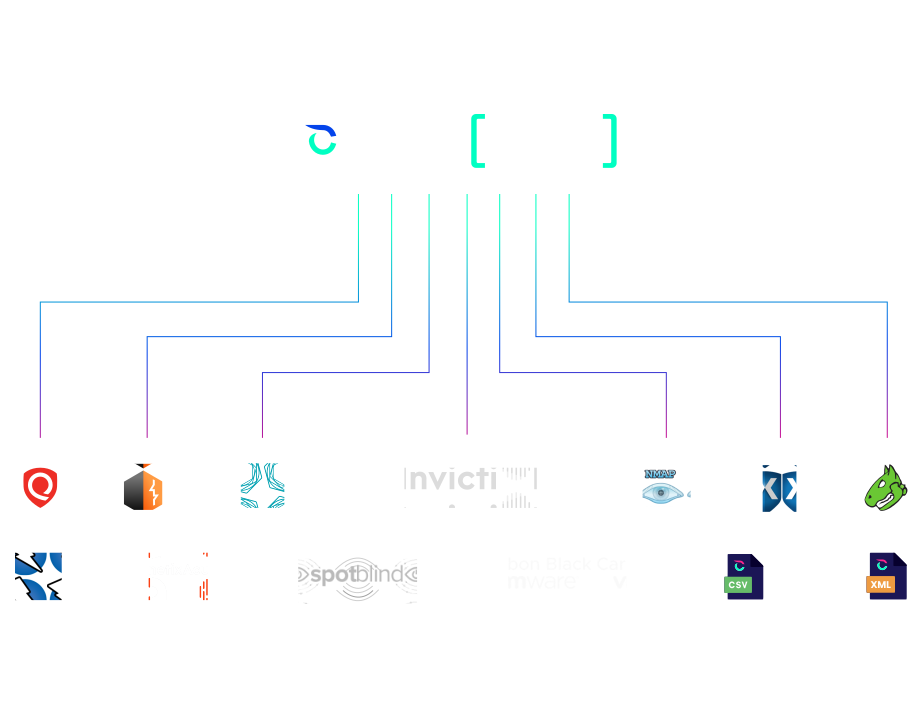
Build Connectors with your Custom apps
Integrate Cyver with your ecosystem using events and webhooks to automate workflows across your tools.
Secure & Flexible Deployment
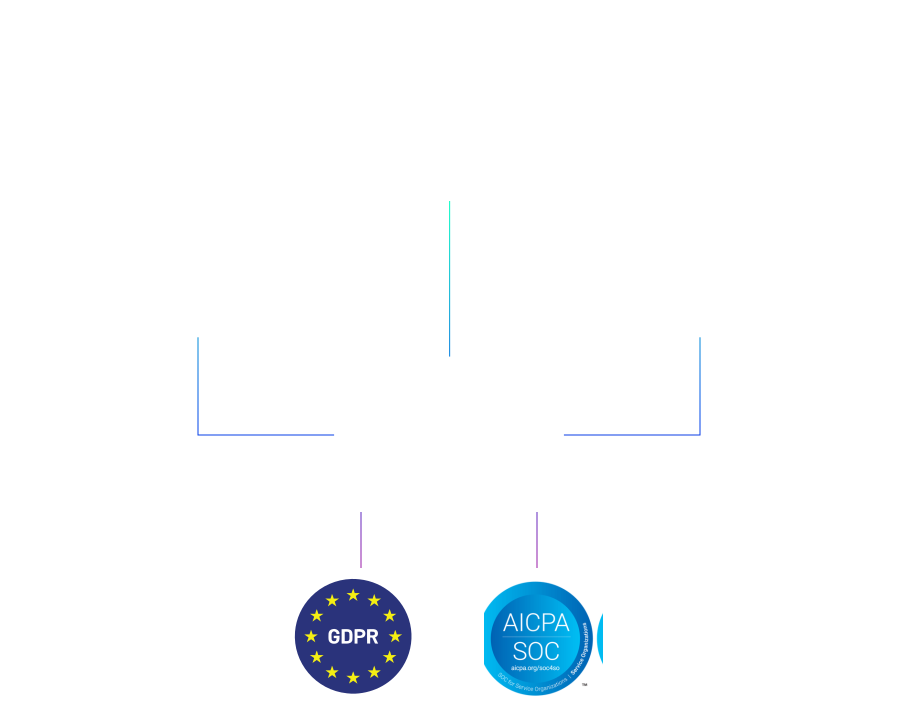
Deploy Cyver your way — cloud, private, or on-prem — with secure, scalable, and compliant hosting options.

AI-Powered Reporting
Generate reports, summaries, and writeups faster with AI — while keeping full control in your team’s hands.

Built for Trust
Enterprise-grade security designed to protect your data, privacy, and operations at every level.

Customer Centric
Great Work is Done Together 
Let’s Collaborate
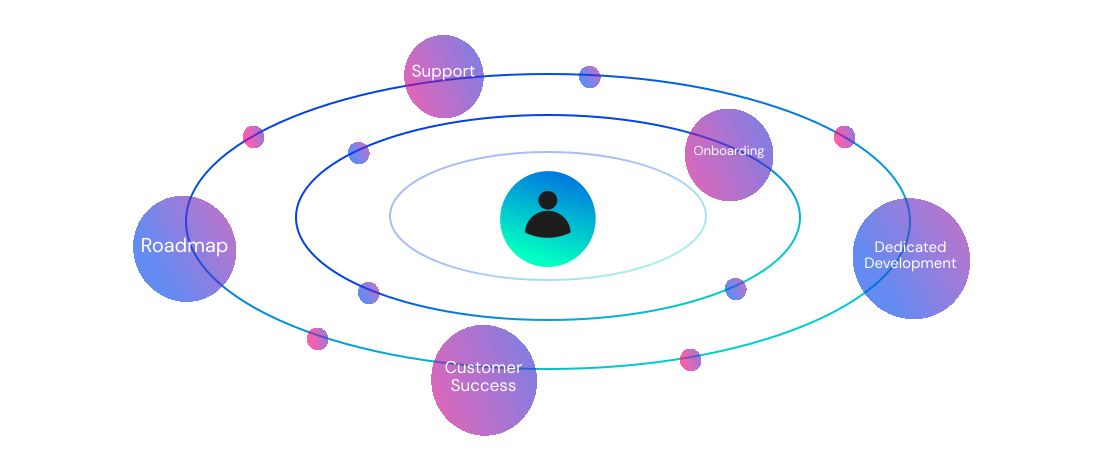
Deploying and scaling pentest operations takes more than a platform. From onboarding and technical setup to roadmap collaboration and custom development, Cyver Core works alongside your team to support the way you operate and grow.
- Onboarding and Data Migration
- Customer Support
- Customer Success
- Dedicated Development & Support
- Community Roadmap
Testimonials
Our Users Love 
Cyver Core.
Check out why
Customers love Cyver Core! You will too!








Trusted By World Leading Cybersecurity Companies
Whitepaper
Does Pentest Management Deliver ROI?
Download our free whitepaper to find out how pentest management platforms like Cyver Core reduce time expenditure on manual work, streamline communication, and bridge the gap between pentesting and the demand for digital services. It’s free and no obligation.

Blog
Our Latest Updates 
Follow Cyver for the latest industry updates, case studies, new features, and more.

Why Exposure Validation Without Exploitability Context Creates Noise
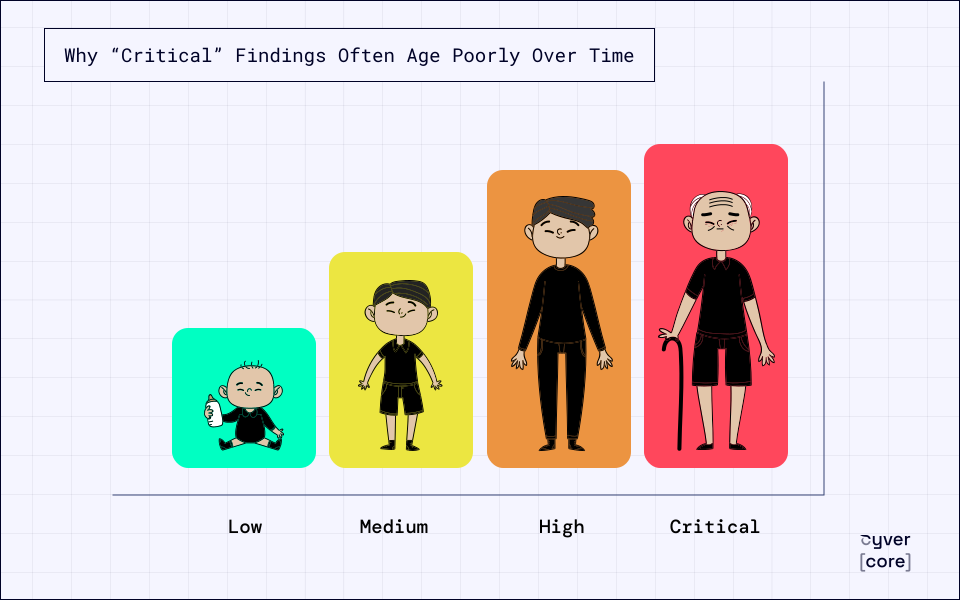
Why “Critical” Findings Often Age Poorly Over Time
Feature Highlight: Connect AI Agents to Cyver Core with the New MCP Server
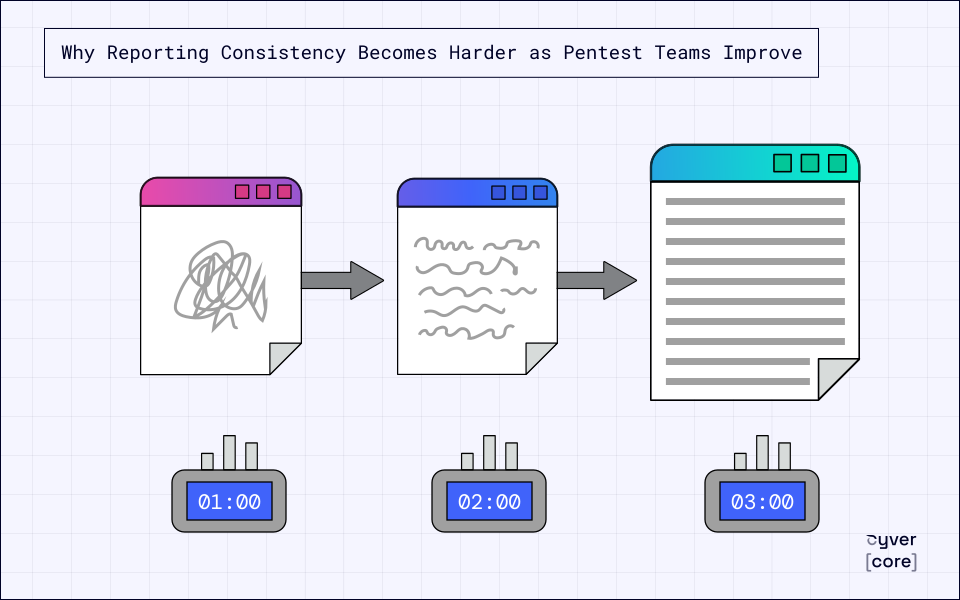
Why Reporting Consistency Becomes Harder as Pentest Teams Improve
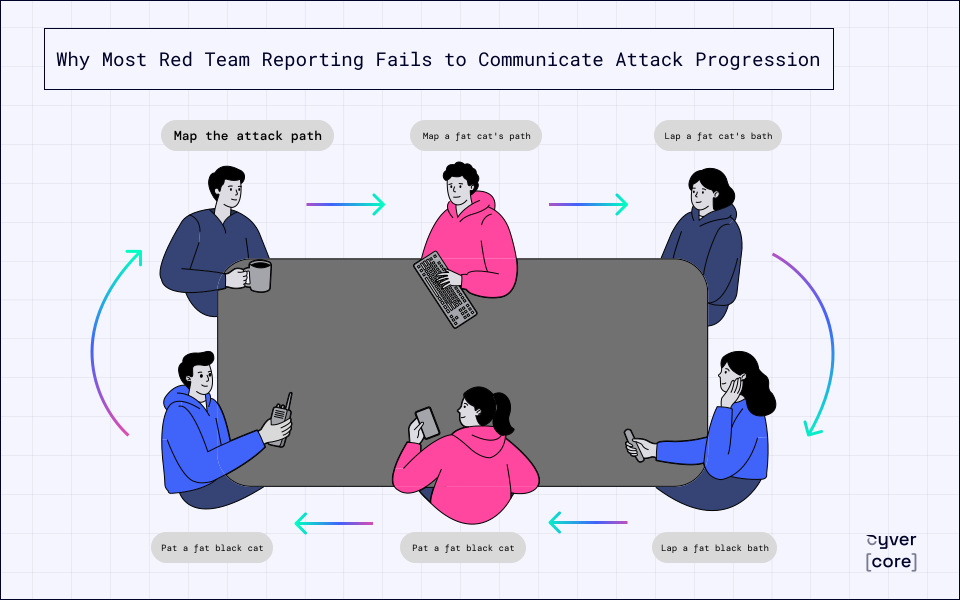
Why Most Red Team Reporting Fails to Communicate Attack Progression
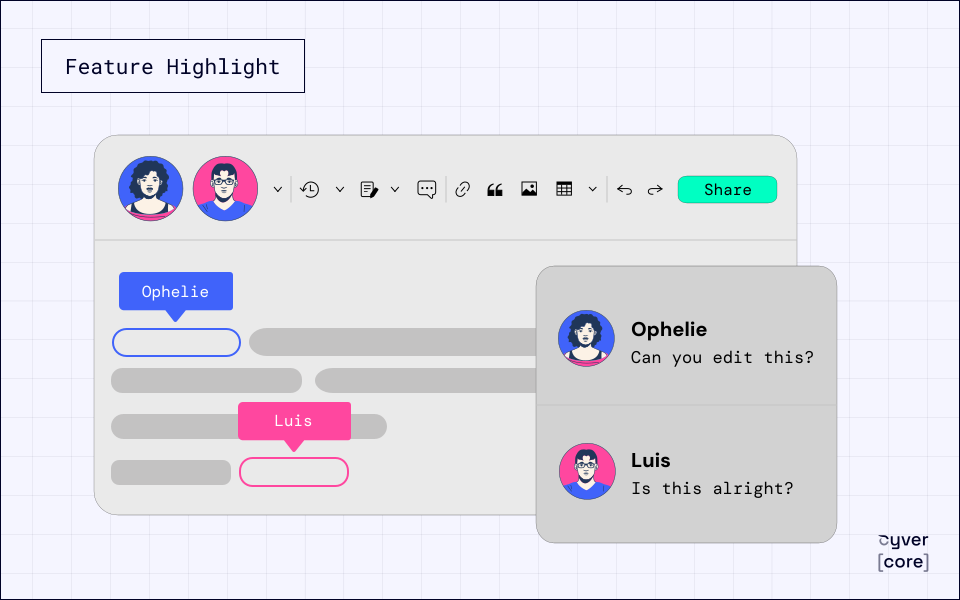
Feature Highlight: The New Rich Text Collaboration Report Editor
How Logicalis Unified Pentesting, Vulnerability Management and Compliance Evidence in One Platform
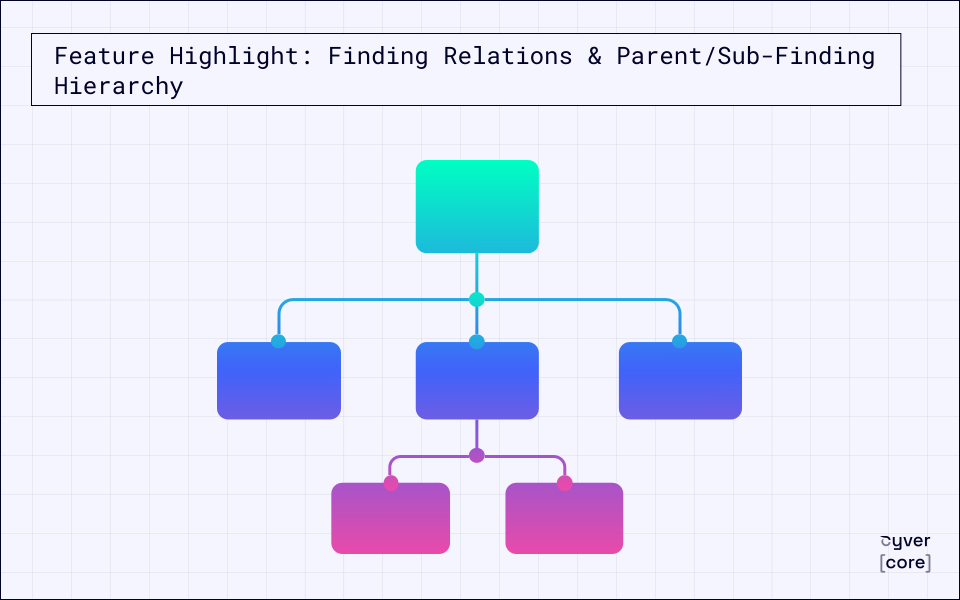
Feature Highlight: Finding Relations & Parent/Sub-Finding Hierarchy
Feature Recap 2026-Q2
Feature Highlight: ServiceNow Integration for Seamless Vulnerability Remediation
Any questions?
We’re here to help
What is a Pentest Management Platform?
Pentest Management Platforms like Cyver Core digitize pentest workflows, replacing manual communication and reports with digital workflows. It means real-time results, live communication with clients, and findings as tickets. Plus, we offer automated pentest reporting, complete with integrations for tools like Burp Suite, Nessus, NMap, & more. Our goal is to help pentesters save time (70-85% of time spent on every report), reduce overhead hours for pentest management, and deliver pentest-as-a-service to clients.
How is Cyver Core Secured?
Cyver Core is fully secured, regularly pentested, and regularly backed up. We maintain SOC2 compliant infrastructure, as verified by external auditors. All user data is stored redundantly and automatically backed up inside Microsoft Azure architecture, with fully redundant server architecture and network connectivity. We take security seriously, and you can see a full list of our security practices in our security policy.
Will My Clients See I Use Cyver Core?
No! Cyver Core is fully white label. When you onboard your clients to our platform, they see your branding and brand name. You can also fully customize reports, project templates, and other digital assets. Your clients, your brand, your digital privacy, powered by Cyver Core.
How Does Cyver Core Automate Workflows?
Cyver Core utilizes standardized workflows to automatically progress projects based on pre-defined parameters and settings. You set up project templates and Cyver Core automatically performs workflows inside those, to move the project from one stage to the next, to create Findings tickets from imported data, to notify stakeholders, and to schedule the next pentest. In addition, Cyver Core uses automation and Smart features to auto-fill tickets, to create projects, and to generate reports, so you have to do the minimum manual work possible. Visit our features page to learn more.